Skip to content
PrimeOS-for-Desktop-and-Laptop

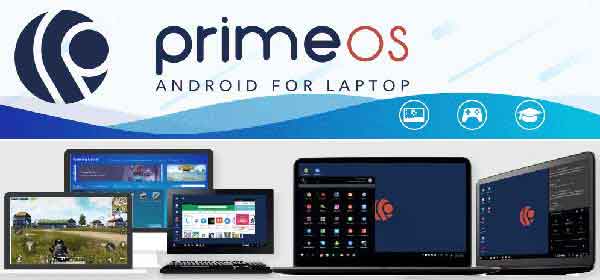
How to Install PrimeOS (Android-x86) on Desktop and Laptop

PrimeOS is the latest Android emulator (Android-x86) for desktop and laptop that lets you experience Android on big screen. While this is incredibly useful for testing Android apps and games without needing a particular device, it would be great to install Android hassle free on any Desktop and Laptop as a secondary or a new OS and that is what I am describing in the below post.
Read more
OnePlus-6T

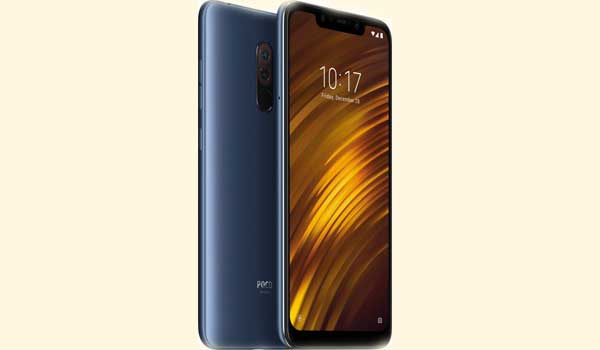
OnePlus 6T: How to Unlock Bootloader

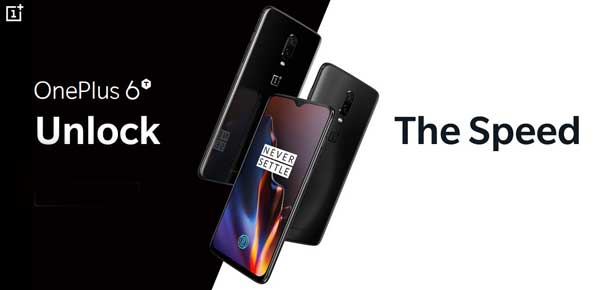
In this guide, we let you know how to unlock bootloader of brand new OnePlus 6T. For various reasons you might want to unlock the bootloader of your device. For example, installing a custom recovery like TWRP, getting root, installing custom ROM, etc. However, keep in mind that bootloader is a security feature of OnePlus 6T, so do not proceed unless you have a specific reason for unlocking the bootloader.

Read more
Google-Pixel-3XL

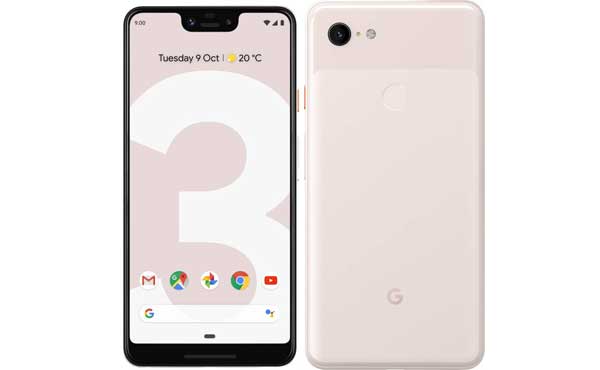
[How to Install] Official TWRP for Pixel 3 and Pixel 3 XL Released

The TWRP (Team Win Recovery Project), the most popular and loved custom recovery is now officially available for the brand new Google Pixel 3 and Pixel 3 XL. Official TWRP support is always been a very important thing for tech-savvy users, as it helps to flash custom ROMs, backup and restore system partitions, flash different Mods, get root, sideload OTA update and more.

Read more
OnePlus-6

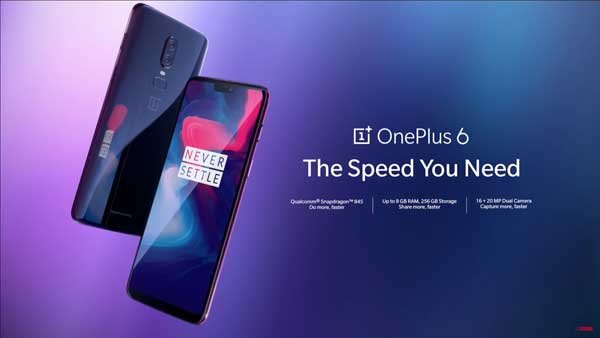
OnePlus 6 OxygenOS 9.0.2 Stable Update Brings OnePlus 6T Features Like Nightscape, Studio Lighting, November Security Patch and More

The latest OxygenOS 9.0.2 stable update for OnePlus 6 bring several new features of brand new OnePlus 6T, such as the Nightscape and Studio Lighting feature for camera, brand new navigation gestures, November 2018 security patch, and more. The incremental OTA update (weighs 354MB) starts seeding to all OnePlus 6 and it will take few days to complete the roll out. You can also download the OxygenOS 9.0.2 OTA (link below) and install manually.

Read more
Back To Top