Skip to content
Android-9-Pie

Android 9 Pie: How to Clear Adaptive Battery History From Your Phone

Adaptive battery is an important feature of Android 9 Pie that not only helps extend the battery life on the device, but it also enhances system performance by shutting down unused apps running in the background. Adaptive battery is a refined version of Doze mode of Android Nougat and Oreo. It uses machine learning to shut down unused apps running in the background, there by extend the battery life and system performance.

Read more
Google-Pixel-3XL

[Guide] Unlock Bootloader and Root Google Pixel 3 and Pixel 3XL

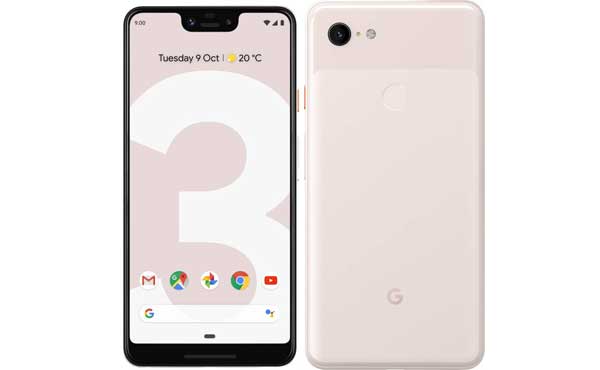
Like the predecessors, the newly launched Google Pixel 3 and Pixel 3XL are fully developer friendly, which means it is easy to unlock the bootloader, install TWRP custom recovery and get root on these devices. Both Pixel 3 and Pixel 3XL go on general sale on 1 November 2018, however the good news is that root method has already been discovered for the device. Topjohnwu, The developer of the systemless root tool Magisk has updated the tool to support Pixel 3 and Pixel 3XL.

Read more
Xiaomi-Mi-A2-Lite

[How to Install] Official TWRP for Xiaomi Mi A2 Lite Released

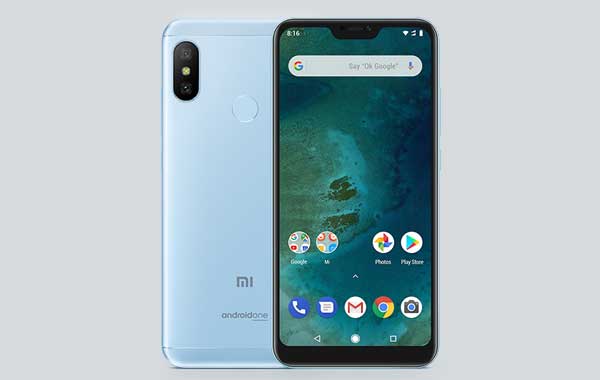
Official TWRP support is always very important for tech-savvy owners of Android smrtphone. The good news is that Team Win Recovery Project has already been released official TWRP for many devices and the latest addition is Xiaomi Mi A2 Lite. Installing TWRP on Xiaomi Mi A2 Lite (code-named Daisy) is not a complicated process, but since the device uses the latest AB partitioning system there is slight changes in the installation process.

Read more
Asus-Zenfone-5

[How to Update] Asus ZenFone 5 Receives New Update With ZenMotion UI Notification Fix & More

Asus ZenFone 5 receives new software update build 15.0619.1810.63 with improvements and bug fixes. The most important changes in this update are ZenMotion UI notification fix, improved Widget shortcut icon size and adjust the speaker volume in non-EU countries. Check for the OTA update by going to System updates or scroll down and see how to update manually.

Read more
Back To Top