Skip to content
Metro-IE10

Internet Explorer 11 for Windows 7 (Developer Preview) Now Available for Download

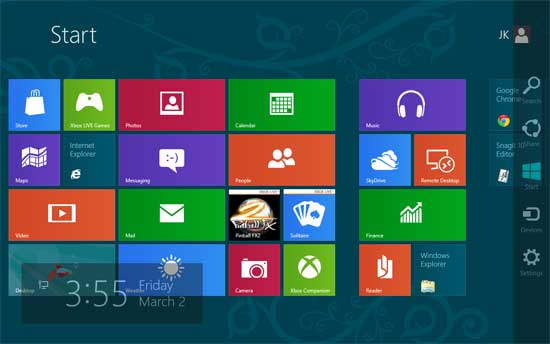
Microsoft just released a developer preview version of Internet Explorer 11 for Windows 7. First appeared in Windows 8.1, Internet Explorer 11 (IE 11) delivers best-in-class browsing experience with faster page load times, new standards support for next generation website, improved SmartScreen Filter and Tracking Protection, improved support for WebGL and more on Windows 7.

Read more
Metro-IE10

Internet Explorer 10 for Windows 7 Download Available (Release Preview)

Microsoft just released a pre-release version of Internet Explorer 10 for Windows 7 with new features and security enhancements. You can install it on your Windows 7 with Service Pack 1 (SP1) PC and enjoy a fast and fluid Web with the updated IE10 engine. Unlike the previous platform preview of IE10 for Windows 7, this release preview version replaces the Internet Explorer 9 and you can use IE10 as a standard browser on Windows 7, however you can uninstall IE10 anytime.

Read more
Metro-UI-for-Windows-7

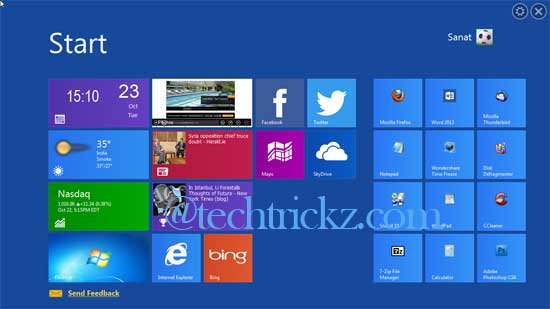
Get the Windows 8 Start Screen on Windows 7, Vista and XP with WinMetro

If you like the look of Windows 8, but you’re unwilling to upgrade now, there are several free tools that apply the Modern interface (formerly called Metro UI) to Windows 7, Vista or Windows XP. For example, WinMetro from iOBit, a free tool that brings the same Windows 8’s colorful Start Screen to older versions of Windows. It is easy to install and, just as importantly, equally easy to remove.

Read more
Menu-uninstaller-ultra-for-Win7

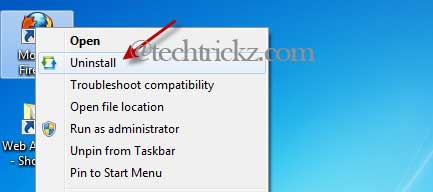
Windows 8 Like Uninstall Feature for Windows 7

In my personal view, Microsoft’s new operating system Windows 8 is much more easy to use. A simple example is uninstalling unwanted programs and apps. In Windows 8, it is as easy as right clicking a tile on the Start screen and choosing Uninstall – no need to go through the Control Panel, Programs and Features and Uninstall options.

Read more
Immersive-Explorer

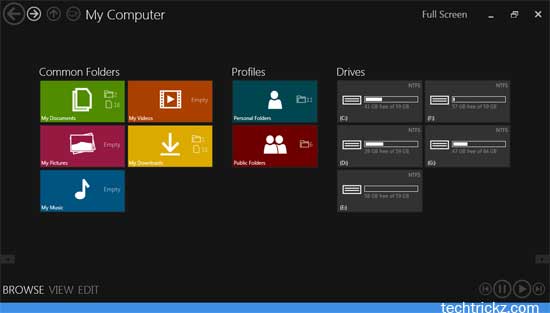
Immersive Explorer Brings Metro Interface to Windows Explore in Windows 7 and Windows 8

Recently Microsoft has rolled out its Metro interface across all its products (Windows Phone, Windows 8, Office 2013, etc) and websites. This interface change gives users a new experience by focusing more on content rather than hiding them behind icons. Do you like Metro interface? Would you like to bring it to your Windows Explorer? Here is how to bring Metro interface to Windows explorer in Windows 7 (also in Windows 8) with a simple application called Immersive Explorer.

Read more
Back To Top