Skip to content
Windows-8.1-features

How to Use OneDrive Offline in Windows 8.1

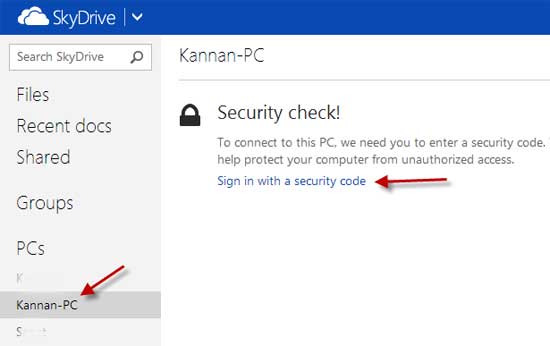
OneDrive (formerly SkyDrive) provides free storage space (that you can upgrade) to use as you please. In Windows 8.1 and Windows RT 8.1, OneDrive is integrated at the system level, so if you sign in with a Microsoft account (Hotmail/Outlook.com email address) your OneDrive folders are displayed in the navigation pane of File Explorer, so you can easy access and management them.
Read more
Windows-8.1

Prevent Automatic Uploads to SkyDrive in Windows 8.1

By default, Windows 8.1will upload all your new documents and photos automatically into SkyDrive cloud storage system. There are few issues with this automated process. It will fill up your online storage space quickly as well as increase your internet data usage. If you intend to keep your content to your PC, you can correct the SkyDrive settings accordingly.

Read more
SkyDrive-Apps

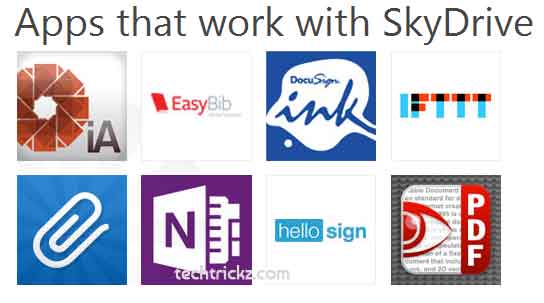
See Apps That Works with SkyDrive for Windows, Mac, iPhone, Android and Windows Phone

As known by all, Microsoft’s cloud storage service SkyDrive (you’ll get 7 GB of free cloud storage that’s accessible from anywhere) lets you store your files in the cloud, and access them no matter where you are. Your stuff is available on multiple PCs, your phone, and even non-Windows devices with the free SkyDrive app installed on them. SkyDrive can be accessed from Windows, Mac, Linux, Windows Phone, iPhone and Android.

Read more
Office-2013-Cloud-Storage-Integration

Integrate Dropbox and Google Drive in Office 2013 as a Cloud Storage

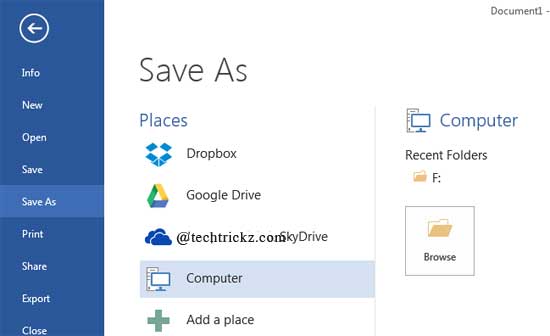
One of the new features of Office 2013 is that it lets you save documents directly to SkyDrive, Microsoft’s cloud storage system, giving you access to files anywhere there is a internet connection. However, if you prefer cloud storage services such as Dropbox or Google Drive apart from SkyDrive to save your Office documents, here is how you can integrate them in Office 2013.

Read more
Sandisk-Memory-zone-main-screen

Back up and Sync Android Phone Contacts and Data With Your Dropbox and SkyDrive

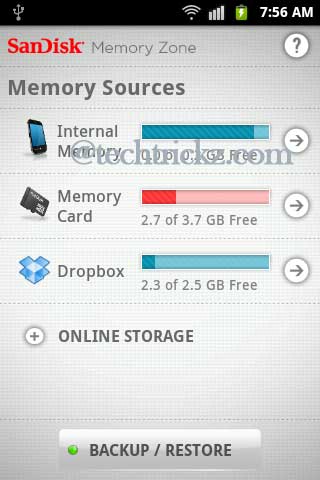
Android smartphones are becoming more and more popular nowadays, mainly because of the availability of wide range handsets at various price tags. Here is how to back up as well as sync your phone contacts with your cloud service such as Dropbox, SkyDrive, Google Drive, etc. So that, you shouldn’t have to lose your data just because you lost your phone. Also, switching to a new device should be a lot easier than it is now.

Read more
Back To Top