Skip to content

Windows 8 Controller Turns Android or Windows phone Into a Multi Touch Controller for Windows 8

Windows 8 has a whole new look and a design that is clearly been developed with touch screen devices in mind, letting you control with your fingers rather than a keyboard and mouse. Here is how you can experience the Windows 8 multi-touch gestures such as pinch, stretch, rotate, swipe, side gestures, etc. on your Windows 8 desktop PC by using your Android or Windows phone.

Read more
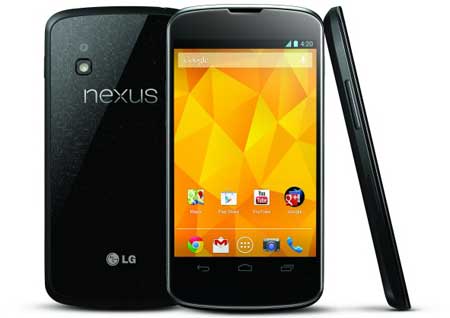
LG-Nexus-4

How to Improve Touch Responsiveness on Nexus 4

The Google Nexus 4 is in many ways the best Android device we’ve seen. The new flavor of Jelly Bean (Android 4.2), hardware specs, performance, and other outstanding features proves that. However, there are few complaints about this device. A most common complaint is less responsive touchscreen. If you feel a slow responsive touchscreen on your device, then there is a workaround to solve this issue.

Read more
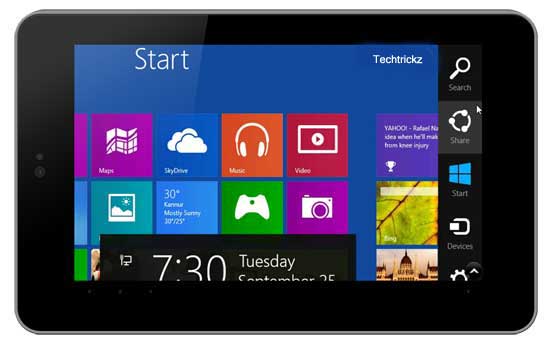
Windows-8-on-Tablet

Try Windows 8 on Android Tablet and iPad (How to)

Like to test Windows 8 and its touch gesture on your Android tablet or iPad? Here is how you can simply do that with a free application Splashtop. This remote desktop app gives you full access to your Windows (also Mac) computer from your tablet from anywhere over Wi-Fi or 3G. What is more, setting up of Splashtop is also quite easy. Read below to know how it is.

Read more
Back To Top