Skip to content
Chrome-remote-desktop

Chrome Remote Desktop: How to Access a Computer Remotely From Chrome

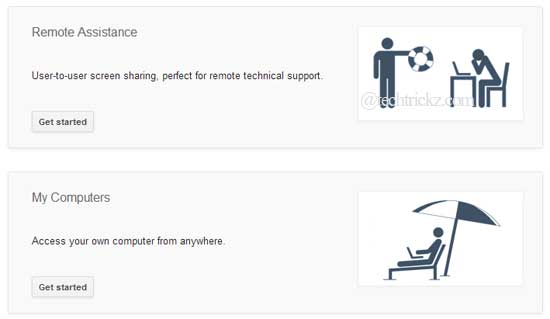
Google has updated its chrome extension “Chrome Remote Desktop” by integrating new features including the ability to access user’s own computer from anywhere. This app allows users to access any computer from their Chrome browser remotely (required Chrome Remote Desktop extension on other computer as well). As it is fully cross-platform, users can access a computer virtually on any computer including the Chromebook.

Read more
Windows-8-on-Tablet

Try Windows 8 on Android Tablet and iPad (How to)

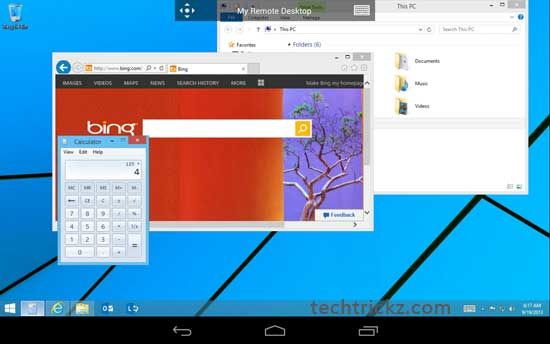
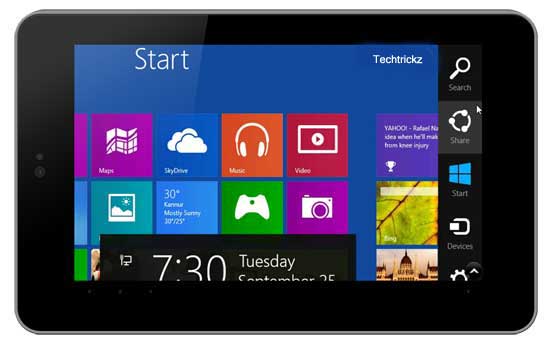
Like to test Windows 8 and its touch gesture on your Android tablet or iPad? Here is how you can simply do that with a free application Splashtop. This remote desktop app gives you full access to your Windows (also Mac) computer from your tablet from anywhere over Wi-Fi or 3G. What is more, setting up of Splashtop is also quite easy. Read below to know how it is.

Read more
Remote-control-collection-android

Remote Control Collection: Turn Your Android Phone into a WiFi Wireless Mouse and Keyboard

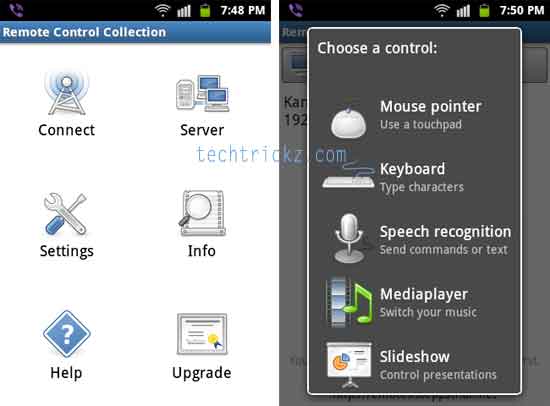
A few months ago, I posted an article here describing how to turn an Android phone or a tablet into a wireless mouse and keyboard for computer. It is extremely useful, for example, if you want to search and play YouTube video on your PC at a distance. Remote Control Collection is a similar app that can turn your android phone into a mouse, Keyboard, or a remote controller for Media Player, PowerPoint and more. Below is how to use this application.

Read more

Chrome Remote Desktop Extension Lets You Access Your Computer Remotely

Chrome Remote Desktop is an extension by Google that is useful, if you ever wanted to stay connected to your PC while on the go. With this Chrome extension you can access another computer from anywhere through the Chrome browser. Besides, it is fully cross-platform, so you can connect any two computers that have a Chrome browser, including Windows, Linux, Mac and Chromebooks.

Read more
Back To Top