
Skip to content
google-goggles

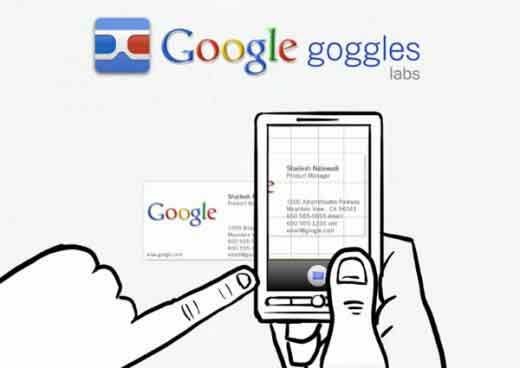
Google Goggles Updated, Now it Starts Directly in Capture Mode

Google Goggles, an android app by Google that lets you easily combine your physical and digital worlds has updated with improved performance and new interface. Now it fixed image rotation issue on some phones as well as has a simplified user interface and feature set. The app now starts in the capture mode, so you can use the app quickly whenever you need its assistance.
Read more
Send-From-Gmail

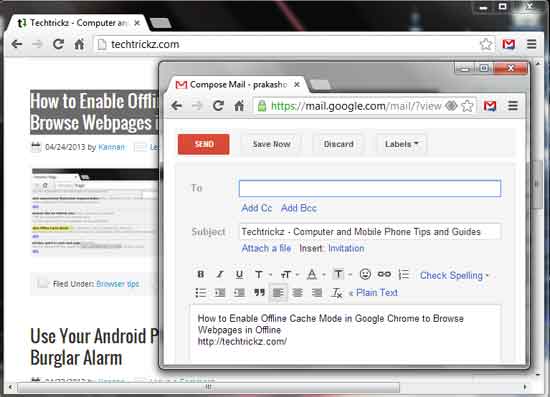
Send Texts and Links via Gmail from Chrome with a Click

If you see an interesting article or images on the internet and want to share that with your friend, usually you need to open your email client or webmail service and copy and paste the content or link. But, you can make this process quite simple with a Chrome extension called “Send from Gmail” by Google. A single click will open the mail compose box inserting the article link in it.

Read more
Google App Launcher

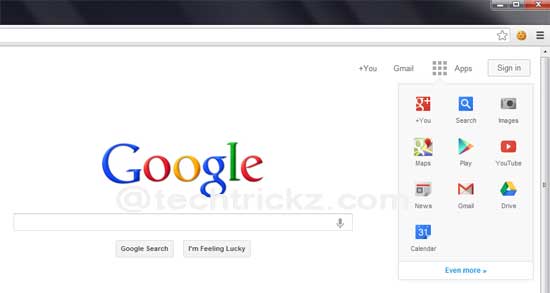
Get Google’s New Homepage App Launcher on Chrome Firefox and Opera (How to Guide)

Google is currently experimenting with a brand new App Launcher on their homepage instead of the Black Navigation bar. It’s similar to Chrome OS’s App Launcher menu and if logged into your Google account, you can open up the App launcher from Google homepage and access Google Play, Google+, Gmail, Drive and other apps with ease. Here is how to get the new App Launcher on Google Home page.

Read more
Google-Keep-Logo

Note Taking App Google Keep Now Officially Available for Android

Google just released a note-taking app named Keep for Android devices. It is more or like the popular note-taking app Evernote and allows you to create, save and share notes, task lists, photos, voice note and other content and recall them easily wherever you are. As it is closely integrated with Google Drive, users can access their notes and data from any mobile device or computer.

Read more

Replace the Google Logo with Your Favorite Doodle [How to]

The Google home page is famous for lots of impressive “doodles” recently. Each doodle stands for events like holidays, anniversaries, or current events and clicking the doodle sends visitors to Google’s search results page where they will get detailed information about the event. However, usually a “doodle” stays for a day only on the home page.

Read more

Enable Search Box in Chrome New Tab Page (How to)

The Chrome team has introduced an experimental feature to Google Chrome (dev. version) to help users save time as searching the web. This new experimental feature adds a Search box right in the New Tab page (NTP) aimed to help people who still navigate to their search engine’s home page to initiate a search instead of using the omnibox.

Read more
Back To Top