Skip to content
Samsung-One-UI

Samsung Galaxy S9/ S9 Plus: Download and Install One UI (Android Pie) Firmware

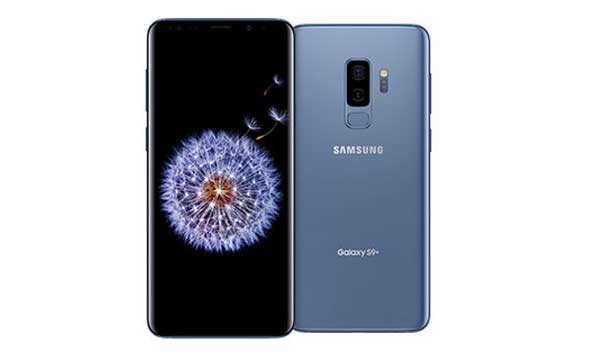
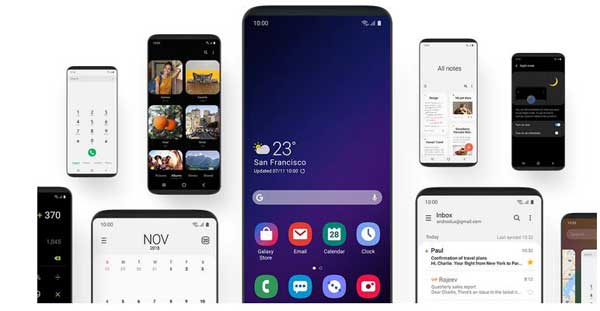
After a long wait, finally Samsung released stable Android 9 Pie (One UI) update for Galaxy S9 and S9 Plus. The One UI update is currently available for European and Asian regions Galaxy S9 (SM-G960F) and Galaxy S9 Plus (SM-G965F). If you want to install the Android 9 Pie update manually on Galaxy S9/S9 Plus, you can download the One UI firmware from below and install it via Odin tool.

Read more
Samsung-Galaxy-Note-9

How to Remove Pre Installed Apps on Galaxy S9 & Note 9 (No Root) & How to Restore Them

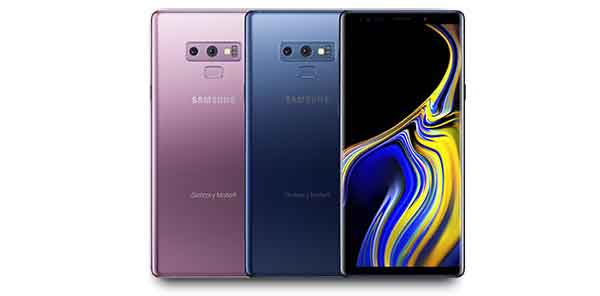
Own a new Samsung Galaxy S9 or Note 9 and want to remove some of the pre-installed apps from it? In this tutorial, we show you how to remove pre-installed apps from Samsung Galaxy S9 and Note 9 without root access. If an app useless for you, you can safely remove it from your phone. This will help you make your app drawer clutter-free. You can also restore them when in need. Read on to know how it is.

Read more
Samsung-Galaxy-Note-9

How to Adjust ‘Always On Display’ Brightness Manually on Galaxy S9 and Note 9

In 2016, Samsung introduced ‘Always On Display’ (AOD) with Galaxy S7 and S7 edge. Since then Samsung has made several improvements and added new features to this function. Always On Display (AOD) shows useful information that’s available at a glance, even if phone’s display is off. You can add animated GIFs, new clock faces, and even decorate the AOD screen with various themes.

Read more
Samsung Galaxy S9

LineageOS 15.1 Now Available for Galaxy S9 and S9+ [Download]

The most popular custom ROM LineageOS has extended the supported device list with Samsung Galaxy S9 and S9+. The development team released the first LineageOS 15.1 (based on Android 8.1 Oreo) nightly build for the device. If you would like to install the build on your device, you can download it right now and flash through TWRP recovery.

Read more
Back To Top