Skip to content
Mega-for-Android-file-manager

MEGA for Android: File Manager App for Mega Cloud Storage

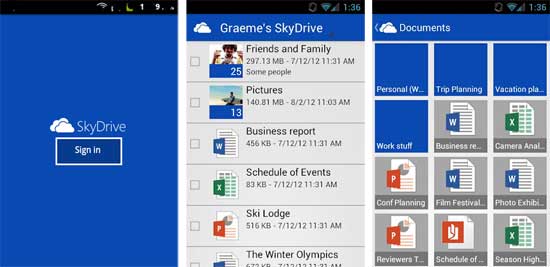
Mega for Android is a file manager app for the new cloud storage service Mega. Though not an official Mega app, this file manager app brings loads of features such as upload, download, search, rename and delete files, so you can easily manage your Mega cloud storage right from your Android device.

Read more
Office-2013-Cloud-Storage-Integration

Integrate Dropbox and Google Drive in Office 2013 as a Cloud Storage

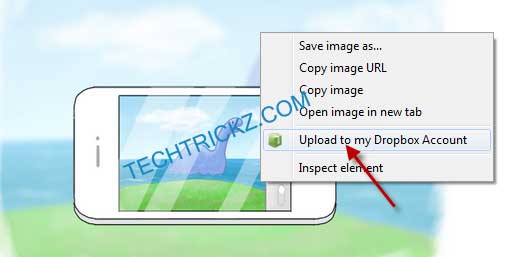
One of the new features of Office 2013 is that it lets you save documents directly to SkyDrive, Microsoft’s cloud storage system, giving you access to files anywhere there is a internet connection. However, if you prefer cloud storage services such as Dropbox or Google Drive apart from SkyDrive to save your Office documents, here is how you can integrate them in Office 2013.

Read more

Google Drive Offers Free Stock Images: How to Use Them in Docs, Slides and Sheets

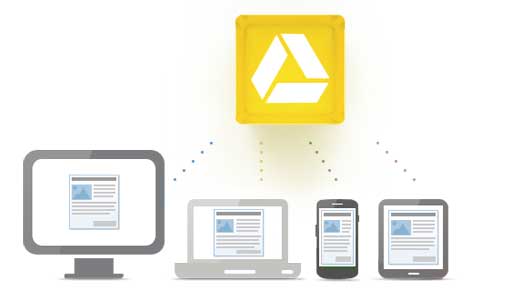
Google Drive offers nearly 5,000 free, stock images to use in your documents, spreadsheets and presentations. You can use these images freely to enhance your documents or presentations. These images are available in different categories such as nature, weather, animals, sports, food, education, technology, music and 8 others. Here is how to use these free stock images in your Google Docs, Sheets, and Slides.

Read more
Sandisk-Memory-zone-main-screen

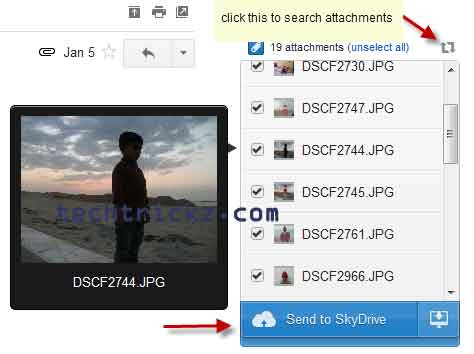
Back up and Sync Android Phone Contacts and Data With Your Dropbox and SkyDrive

Android smartphones are becoming more and more popular nowadays, mainly because of the availability of wide range handsets at various price tags. Here is how to back up as well as sync your phone contacts with your cloud service such as Dropbox, SkyDrive, Google Drive, etc. So that, you shouldn’t have to lose your data just because you lost your phone. Also, switching to a new device should be a lot easier than it is now.

Read more
Back To Top