Skip to content
now-gesture-tweaks-settings

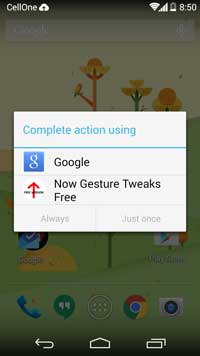
Add Custom Actions to Swipe Up Gesture Instead of Google Now on Android Phone

On most Android phones, the “Swipe Up” gesture normally launches Google Now and there is no option to change this action. Now with a simple app called “Now Gesture Tweaks”, you can add custom actions to swipe up gesture instead of Google Now on your phone, such as launch a desired app, launch customized app picker, open notification drawer, launch a shortcut, take screenshot or even disable the swipe up gesture.
Read more
galaxy s5

How to Shorten Samsung Galaxy S5 Boot Time

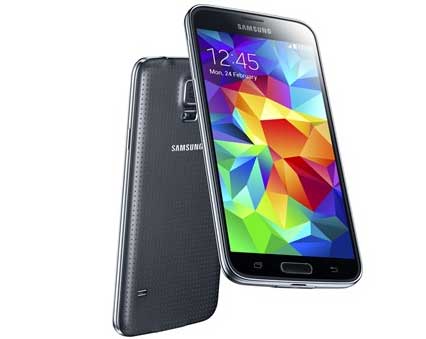
Samsung Galaxy S5 is a faster and responsive phone, but one complaint among users about Galaxy S5 is long boot time. In this tutorial, we will show you how to shorten the boot time on Galaxy S5 by making a small change in a system file. Because you want to make changes in the system file, there is no need to say about the requirement of root access on your Galaxy S5.

Read more
Note-3

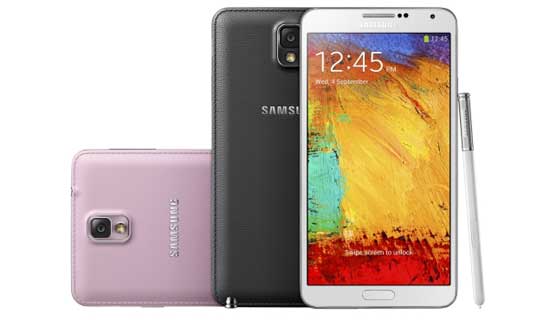
Install Android 5 Lollipop Update on Galaxy Note 3 N900

While Galaxy Note 3 users are waiting for the Android 5 Lollipop update, a few users have received Android 5.0 OTA update for Note 3 N900 Exynos version. According to the news source, it was an accidental release by Samsung and the ROM contains several bugs, so not ready for general use. It is expected that the official Lollipop update for Note 3 will become available at the beginning of next year.

Read more
Moto G

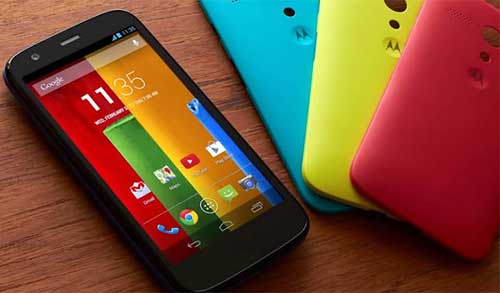
Restore Non Booting Moto G 2013 After Lollipop Update

If your Moto G 2013 stuck in bootloop after updating to Android 5 Lollipop, here are some ways to help you get out of bootloop and get your phone ready for daily use. A bootloop means your phone stuck indefinitely on the boot animation logo. Normally, firmware update will not cause any issue, but if you have not followed the instruction carefully, you might end up with a non-booting system.

Read more
2nd-gen-moto-g

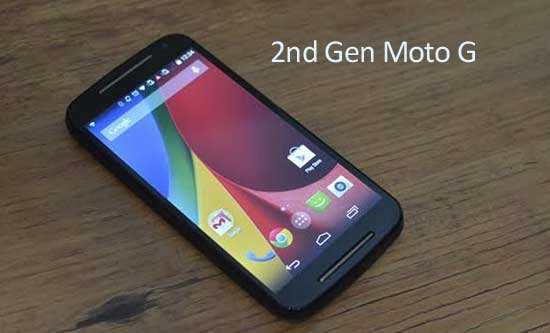
Root Moto G 2014 After Android Lollipop Update (Tutorial)

Motorola has updated its popular budget 2nd Gen Moto G (2014) to Android 5.0 Lollipop in select regions. Tech-savvy users who want to go crazy and play with their Moto G might want to root their device after the Android Lollipop update. Chainfire, developer of the popular one click “CF Auto Root” tool has released rooting solution for 2nd Gen Moto G 2014 on Android Lollipop.

Read more
Back To Top