Skip to content
moto-x-play

Install TWRP Custom Recovery and Root Moto X Play (Guide)

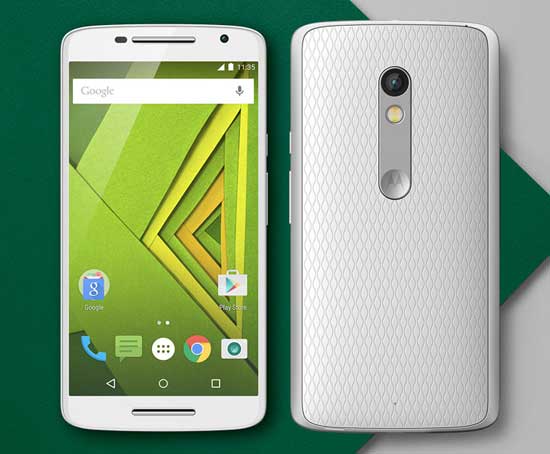
Motorola’s latest mid-range smartphone, Moto X Play offers a sock Android experience with a 21MP camera, day-long battery with3630 mAh battery and 15 minutes turbo power charging, good hardware specs, style and more at an affordable price. However, Android geeks might want to have root access and custom recovery like TWRP on their Moto X Play.

Read more
lg-g4

Get Google Dialer on LG G4 (Require Root)

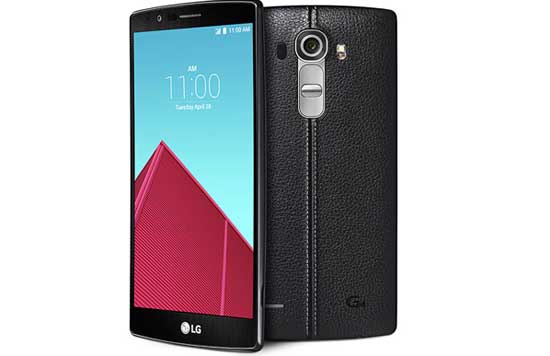
If you are a big fan of Google dialer, then you might want it on your LG G4. Of course, the default dialer on LG G4 is impressive with features like smart dial, but does not meet Lollipop’s material design guidelines. The stock Google lollipop dialer is really beautiful, has material love and offers all the necessary features that a dialer needs.

Read more
Xperia-Z1

Manually Install Official Android 5.1.1 Update on Xperia C3, Z1, Z1 Compact & Z Ultra

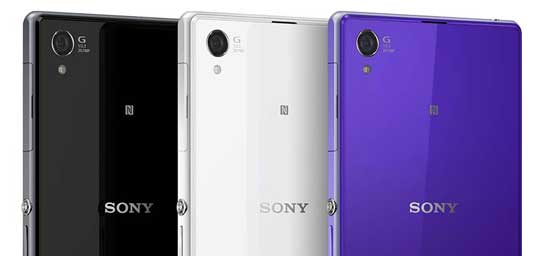
Sony Mobile has started to roll out Android 5.1.1 Lollipop update for a range of Xperia smartphones, which includes Xperia C3, Xperia Z1, Xperia Z Ultra and Xperia Z1 Compact. Currently, the update is available in some parts of the world. As the firmware is rolled out in phases, it will take few days to reach the OTA (over-the-air) notification on your device.

Read more
moto-g-2015

Unroot 3rd Gen Moto G 2015 and Restore Stock Firmware (Guide)

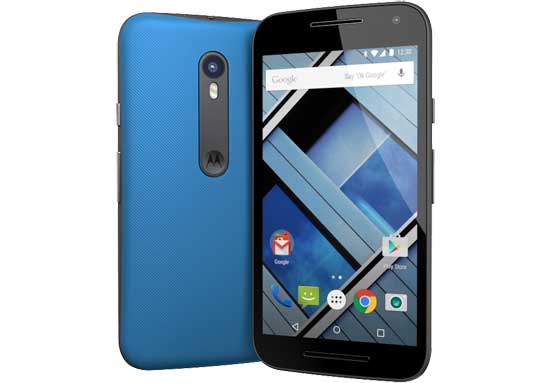
If you have rooted your 3rd Gen Moto G (2015) and later decided to unroot it, the simplest and foolproof method is restoring stock firmware on it, though various methods are available. To restore a stock firmware, you can either use your Nadroid backup or download ROM from specified sources. The stock ROM will remove any root traces from your Moto G 2015.

Read more
Back To Top