Skip to content
galaxy s5

Manually Update Galaxy S5 Mini (SM-G800H, SM-G800R4) to Android 5.1.1 with Official Firmware

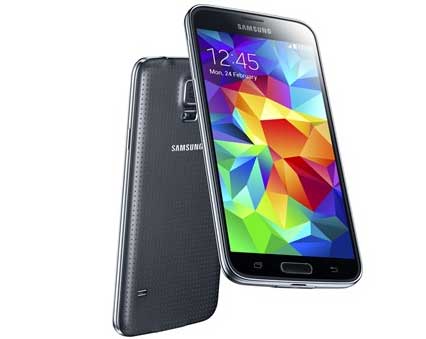
In this tutorial, we will show you how to manually update your Galaxy S5 Mini (SM-G800H/SM-G800R4) to Android 5.1.1 Lollipop with official firmware. Samsung has already released Android 5.1.1 OTA (Over The Air) update for Galaxy S5 Mini for various regions (US, India, Russia), but if you have any difficulty updating the firmware via OTA (due to a data connection issue) you can manually update your phone.
Read more
lg-g4

LG G4 Loud Alert on Full Charge: How to Disable it

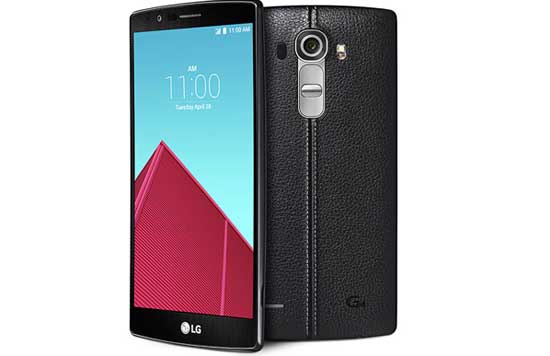
LG G4 users might have noticed the loud alert on full charge. The phone makes loud alert when it get charged full, even if you put your phone in priority mode. However, the real problem here is that, some people have a habit of leaving their phone to charge overnight. As LG G4 makes sound on full charge, it can disturb their sleep.

Read more
galaxy s6

Get Backlight Settings for Recents & Back Buttons on Galaxy S6 and Note 5 (Root Required)

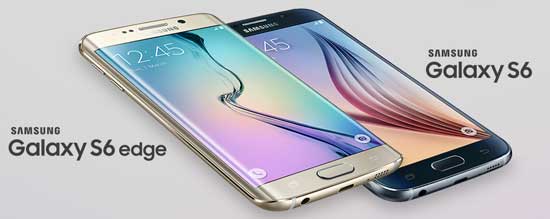
Samsung has removed the capacitive buttons backlight settings from Galaxy S6, S6 Edge, S6 Edge+ and Galaxy Note 5. The default time duration of backlight is now 1.5 second, and there is no option to turn it off or extend/reduce the time duration. However, there is a way to get backlight settings for capacitive buttons (recents & back buttons) on Galaxy S6 and Note 5.

Read more
Android-M-Adoptable-Storage

Adopt SD Card as Internal Storage on Marshmallow and Move Apps to SD Card (How to)

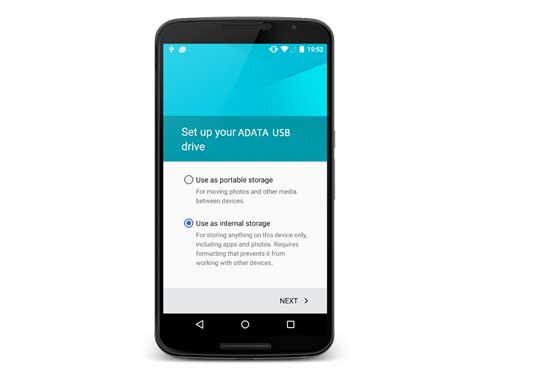
One of the most exciting features of Android 6.0 Marshmallow is ‘adoptable storage’ feature that lets you use external SD card as internal storage on your phone. Once you adopt SD card as internal storage, your phone will install apps and store data on the SD card. This is a great feature for devices with low internal storage, like the Android One phone to extend internal storage space.

Read more
Back To Top