
Skip to content
galaxy s6

Factory Reset & Reinstall Stock Firmware on Galaxy S6 When it Freezes or Stuck in Bootloop

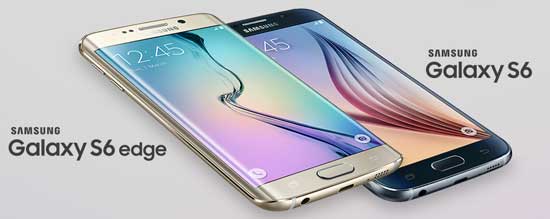
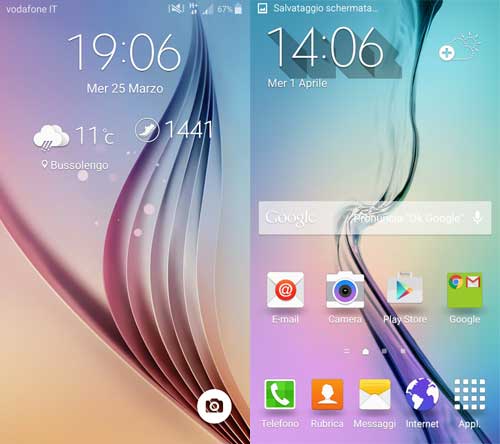
Samsung Galaxy S6 has powerful hardware, which means chances for software related issues are very rare on the phone. However, sometimes your Galaxy S6 freezes for no apparent reason and in some extreme cases, it stuck in a bootloop. In such a situation, you can do two things. One is factory resetting the Galaxy S6 and the other is reinstalling the stock firmware.
Read more
galaxy s6

Install TWRP Custom Recovery and Root Galaxy S6 (All Variants)

Samsung Galaxy S6 is an awesome smartphone with many features, but if you want to add new features, enhance performance, try out custom ROMs like CyanogenMod, customize with Xposed Framework or install certain apps, you need to have root access and custom recovery like TWRP or CWM on Galaxy S6; however, you will lose manufacturer’s warranty.

Read more
galaxy-s6-keyboard-app

Install Ported Galaxy S6 Keyboard App on Galaxy S5 and Galaxy S4 (Tutorial)

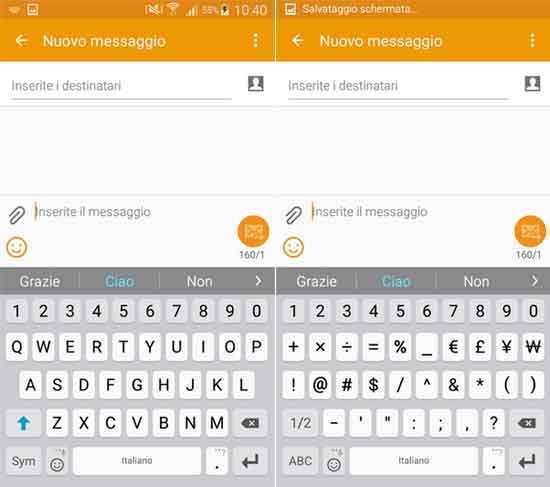
A ported Samsung Galaxy S6 keyboard app is now available for Galaxy S5 and Galaxy S4. The new Samsung keyboard on Galaxy S6 has few changes and new features from its forerunners. Now, the design is more flat, colors are slightly lighter, letters are bigger and you can adjust its size to suit your needs. Also, the keyboard is similar or based on to the SwiftKey and supports gestures.

Read more
Back To Top