Skip to content
Install-Google-phone-app-with-drak-theme

How to Install Google Phone App with Dark Mode on Any Phone (No Root)

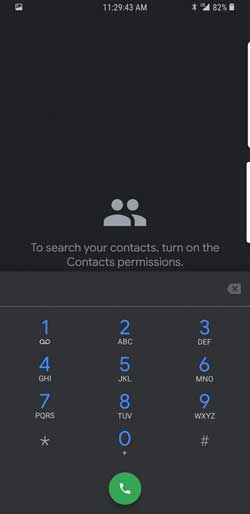
Google recently starts adding Dark Mode experience to many of its apps and the latest addition is Phone app. Dark theme will bring distraction free experience to users. If you cannot wait for the official release of Google Phone app for the new theme, you can download the ported Google Phone app APK with Dark Mode enabled and install it right now on any phone. No root access is required.

Read more
Samsung-One-UI

How to Sign Up for Samsung One UI Beta Program

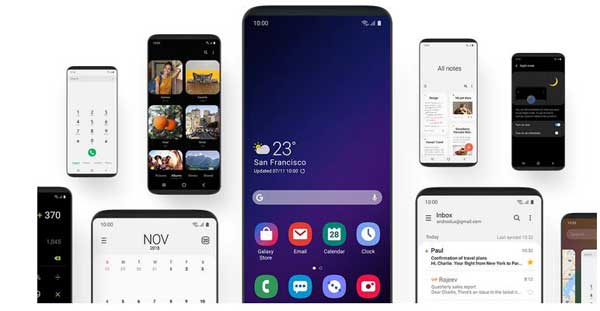
Samsung re-branded its smartphone user interface “Samsung Experience UI” to “One UI” aiming to help users focus on what really matters to them. Samsung’s One UI will be available to all of its supported phones with the Android 9 Pie update. The Pie update is expected to roll out by January 2019. Meanwhile, Samsung invited users to test out the brand new One UI on their Galaxy S9 and S9 Plus.

Read more
redmi note 5 pro

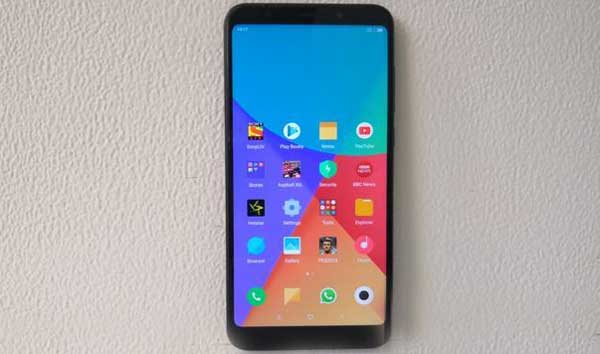
How to Install MIUI 10.0.3.0 Global Stable ROM on Redmi Note 5 Pro Manually

Redmi Note 5 Pro – one of the best selling smartphones in India, starts receiving the MIUI 10 Global Stable update. The update comes as MIUI 10.0.3.0 and the OTA update is now live for Redmi Note 5 Pro. However, it will take a few days to see the OTA notification on your phone. If you cannot wait for the OTA, here is how to install MIUI 10.0.3.0.OEIMIFH ROM on Redmi Note 5 Pro manually.

Read more
Back To Top