Get Adobe Photoshop, Express, and Acrobat Free in ChatGPT
Adobe has announced the integration of Photoshop, Express, and Acrobat within ChatGPT. Users can use these tools free and submit prompts to perform image editing, design, and PDF functions via the chatbot. Basic access to all three applications is provided at no subscription, subject to feature limitations.
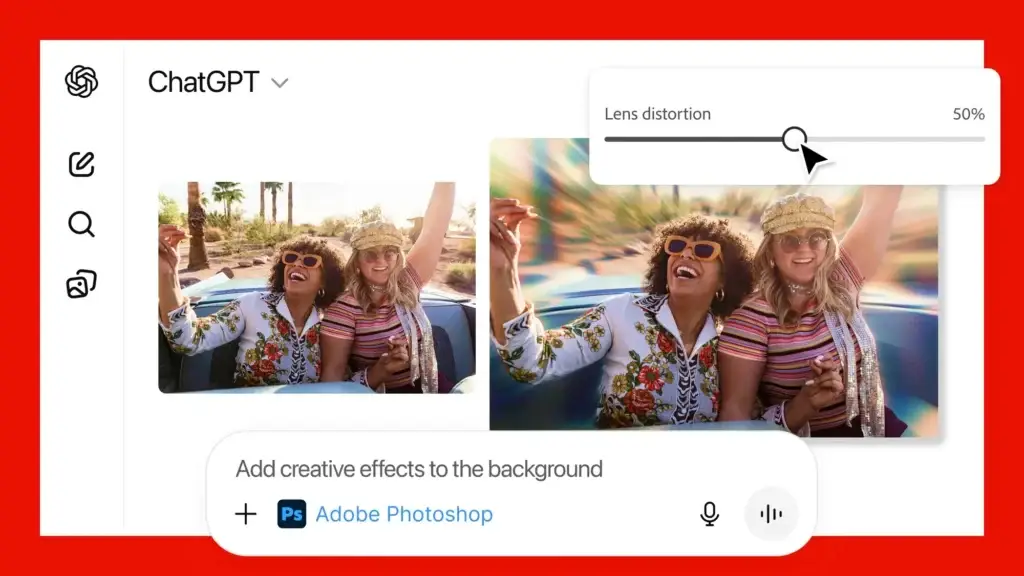
You can ask ChatGPT to edit images, make animations, and work with PDFs using Adobe’s three tools. Also, you can keep the conversation going with the AI chatbot if you want more changes in your editing.
Table of Contents
Benefits of Using Adobe Photoshop, Express, and Acrobat in ChatGPT
To use Adobe Photoshop in ChatGPT, users can tell the chatbot to change a specific part of an image, adjust exposure, brightness, or contrast, and add artistic effects. You can ask for precise fixes or playful looks like Glitch and Glow to make images more striking.
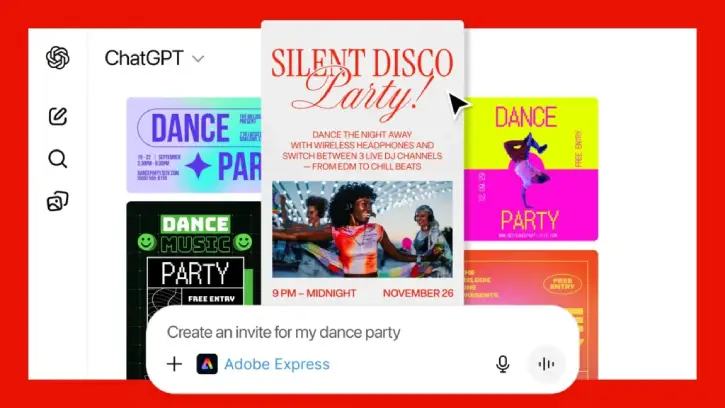
You can use Adobe Express to pick from many ready-made designs, add your text, swap pictures, animate layouts, and keep editing until it’s right. It gives easy, professional templates you can quickly customize for any occasion.
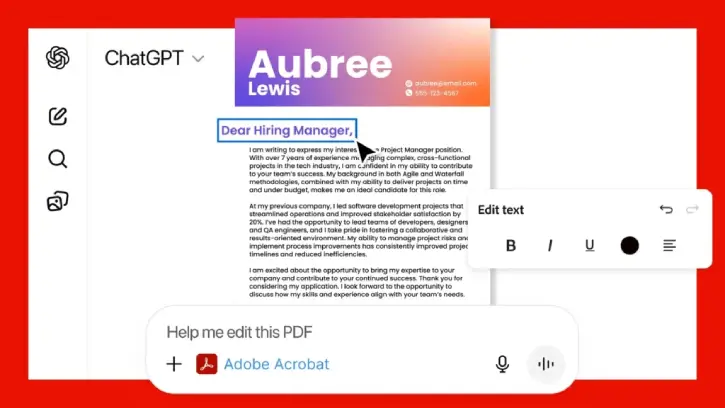
Acrobat for ChatGPT lets you edit PDFs, pull out text or tables, combine and organize files, compress them, and convert documents to PDF without losing layout or quality. It also makes it easy to hide or remove sensitive information.
How to Connect Adobe Photoshop, Express, and Acrobat to ChatGPT?
1. Open ChatGPT and go to Settings > Apps & Connectors.
2. In Browse, find Adobe Photoshop, Adobe Express, or Adobe Acrobat.
3. Select the tool you want and click Connect.
4. After connecting, start a prompt with the tool command: /AdobePhotoshop, /AdobeExpress, or /AdobeAcrobat.
5. Example: “/AdobePhotoshop, blur the background in the image.”
With these integrations, you can edit images, design, and manage PDFs directly within ChatGPT.
Conclusion
Adobe’s new tools are now free and available to all ChatGPT users worldwide. Access them on ChatGPT website and the ChatGPT app for Android and iPhone. Adobe Express for ChatGPT is already on Android, Adobe Photoshop and Acrobat will arrive on Android soon.

Related Posts