Skip to content
Greasemonkey

Customize Web Version of Google Play Store with Greasemonkey and Make it More Usable

The web version of Google Play Store can have several benefits. After logging in, you can view all the Android devices connected to your account, view apps that are installed on each device, manage apps (install, uninstall and update apps) – all from your computer. Here is how to make the web version of Google Play Store more usable by customizing its interface with Greasemonkey extension for Firefox and Chrome.

Read more
High-Resolution-Play-Store-Screenshot

Enable High Resolution Screenshots View in Play Store [How to]

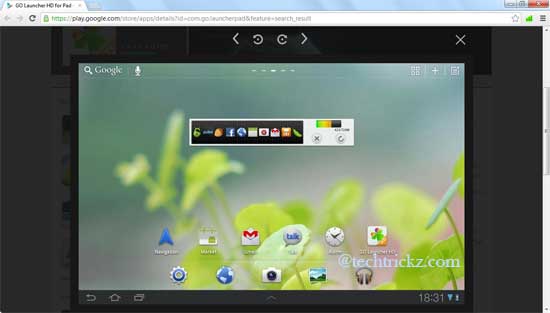
Screenshots displayed on Google Play Store helps us to know how the app or game look like after installing it on our Android device. However, the images has low resolution (small size), which isn’t enough in some situations, for example, in the case of tablet screenshots. Here is how to view high-resolution screenshots on the Play Store on your PC.

Read more

How to Customize New Google Menu

Google is rolling out a new, redesigned menu for all users, which help us navigate through Google services and products with ease. Personally, I like this new change, as it is very attractive and most convenient. However, the main menu (the black one) contains only a few common items like Search, News, YouTube, Gmail, etc.Redesigned-google-menu-bar

Read more
Back To Top