Skip to content
android-nougat

How to Enable/Unlock Tethering on Android 7.0 Nougat

Tethering is a useful feature, which lets you share your Android phone’s internet connection with other devices via Wi-Fi, USB or Bluetooth. However, tethering will not be available on all devices. After updating your handset to Android 7.0 Nougat and found that Tethering is disabled or hidden, there is a simple workaround to enable it.

Read more
android-hotspot

Hotspot Control Enables Tethering Function That is Hidden on Some Android Phones

The tethering function found on Android devices lets you create portable hotspots on your device, so you can wirelessly connect several devices with your hotspot and share data. Also, if your Internet connection is particularly zippy, you can share it also with other people by creating your own hotspot. Unfortunately, on some devices Tethering option is hidden, or only works if you have a SIM inserted. Here is how to fix this issue.

Read more
Super-User-Request

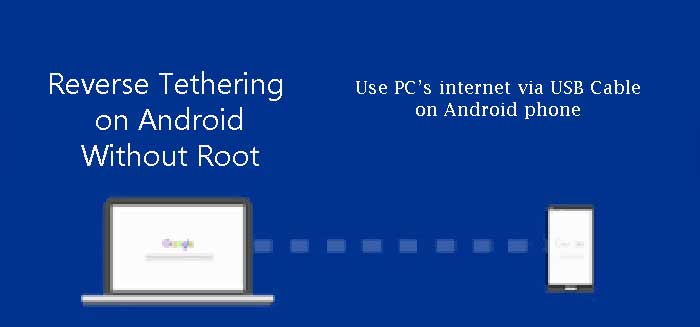
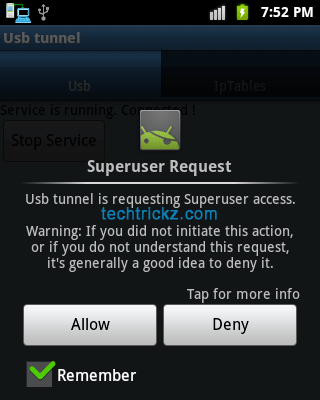
Use ADSL of Your PC for Browsing Internet on Android Device

For several reasons, you want to use ADSL of your PC for browsing internet on your mobile device – for instance, if you don’t have a wireless router at your home or your mobile device won’t support Wi-Fi or don’t have a mobile data plan. If you don’t know how to connect ADSL of your PC to your Android phone via USB cable for browsing, read below simple guide.

Read more

Share Internet by Creating WiFi Hotspot on Android (How to)

Creating a WiFi hotspot (access point)on an Android phone comes in handy in several situations. For example, if one of your friends has an urgent email to send from his phone, but he doesn’t have a data plan on his phone, you can help him by sharing your data plan. In other words, you can simply share your internet connection with your friends and family. All are by creating a Wi-Fi hotspot or by making an access point on your device.

Read more

ClockworkMod Tether: Share Internet Connection From Android Device to Computer

Previously I had written a tutorial showing how to share internet connection from an Android device to a computer (tethering) using a free app called PDAnet. It enables you to go online via your computer using your phone’s 3G/WiFi/GPRS connection. ClockworkMod Tether is another simple to use app that lets you share your phone’s internet connection to computer using USB cable. It also does not require a rooted device or separate tethering plan.

Read more
Back To Top