
Skip to content
Samsung-Galaxy-S8

Official TWRP Recovery Released for Galaxy S8/S8+ Exynos Variant (How to Install TWRP and Root)

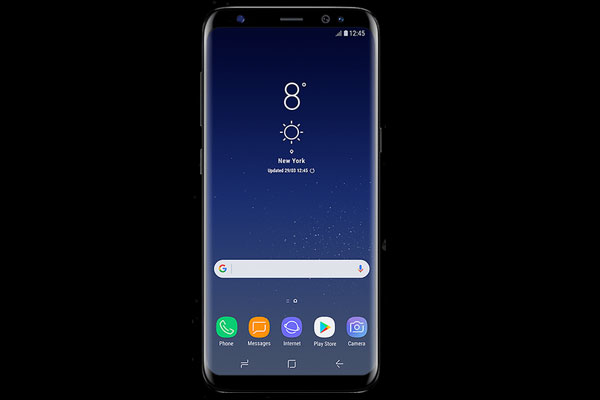
The Galaxy S8 and Galaxy S8+ is a recent flagship from Samsung, however there is good news for users who need development on their Galaxy S8/S8+. The official TWRP custom recovery (twrp-3.1.0) is now available for Galaxy S8/S8+ Exynos variant, which you can install with or without root access. However, note that since Galaxy S8/S8+ use dm-verity check (verified boot) you need to by-pass the check, otherwise your device will not boot.
Read more
galaxy-s8-bixby

Galaxy S8’s Bixby Button Does Not Respond (How to Fix it)

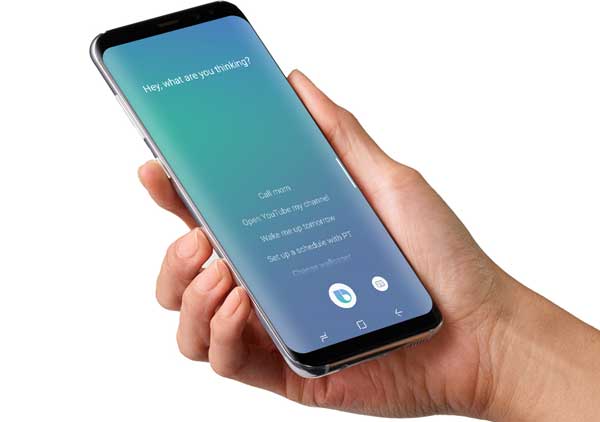
The recently launched Samsung Galaxy S8 and Galaxy S8 Plus are great devices in every aspect. Samsung has done a great job in design, software features and hardware specs to make the device most attractive. One of the main attractions of Galaxy S8 and S8+ is the Bixby personal assistant – Samsung’s answer to the likes of Siri and Google Assistant. You can instantly access Bixby with the dedicated button on the side without unlocking the device.

Read more
Samsung-Galaxy-S8

How to Boot Galaxy S8/S8 Plus into Recovery Mode & Download Mode

In this guide, we will walk you through how to boot Samsung Galaxy S8 and S8 Plus into Recovery mode and Download mode. All Samsung Galaxy devices have these two boot modes, which you can access by using a special hardware key combination. In recovery mode, users can wipe cache files and factory reset the device. While download mode allows users to flash firmware by using tool like Odin.

Read more
galaxy-s8-bixby

New Solution to Remap Bixby Button on Galaxy S8 to Launch Google Now

Samsung Galaxy S8 and S8 Plus come with a dedicated Bixby button on the side of the handset. By pressing the Bixby button will launch Samsung’s AI assistant Bixby. However, if you would like to launch ‘Google Now’ when you press the dedicated Bixby button on Galaxy S8/S8+, there is a new solution to remap the Bixby button. There was an old method to remap Bixby button, but it will not work anymore now. Samsung patched the software with an update to block the ability.

Read more
galaxy-note-5

Experience Galaxy S8 Feature on Galaxy Note 5 with Galaxy S8 Port (Custom ROM)

Samsung Galaxy Note 5 owners can now enjoy Samsung Galaxy S8 features via Galaxy S8 Port ROM. The custom ROM features all the possible goodies of Samsung Galaxy S8+, such as new experience UI, Always on Display (AOD), animations, S8 camera port, Bixby, system menu and more. The Galaxy S8 Port ROM is based on Android 7.0 Nougat and includes March Android security patches. If you are interested, check out the installation guide below.

Read more
Samsung-Galaxy-S8

How to Factory Reset & Flash Stock Firmware on Galaxy S8/S8 Plus When it Freezes

Galaxy S8 and Galaxy S8 Plus – the flagship of 2017 from Samsung – comes packed with powerful hardware, so chances of freezing, unresponsive, slow down, etc. are very rare. However, during the course of use sometimes it may freeze, became unresponsive for no apparent reason. In addition, it may stick in the welcome screen (boot loop) while tweaking the system. In such situations, factory reset and flash stock firmware is the only answer.

Read more
Back To Top