Skip to content
galaxy-s8-bixby

Four Best Play Store Apps to Remap/Customize Galaxy S8 Bixby Button

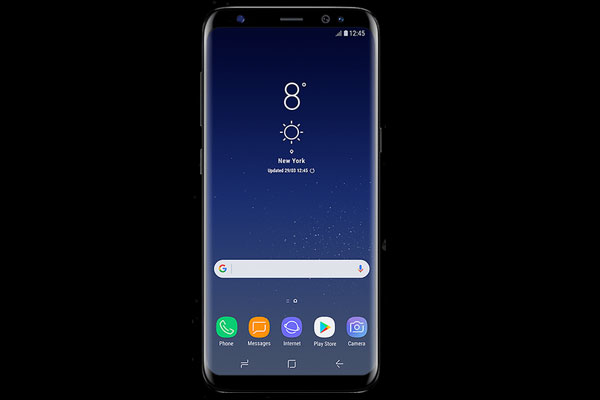
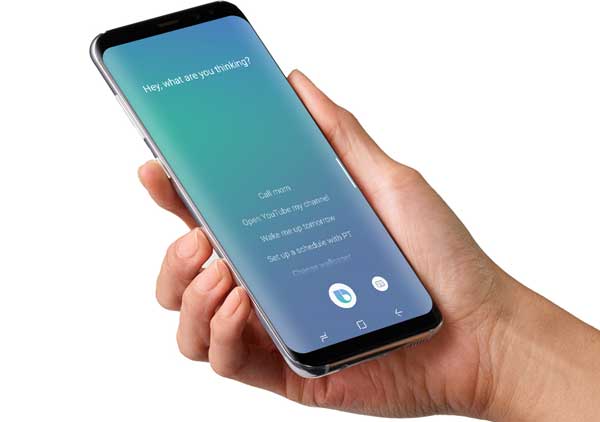
Samsung Galaxy S8 and S8 Plus have a dedicated Bixby button on the side of the device. Pressing on this button will launch Samsung’s AI assistant Bixby. If Bixby is not a feature for you, you can remap the Bixby button unofficially to launch other apps or settings of your choice. Here are four best Play store apps to remap or customize Bixby button on Samsung Galaxy S8 and S8 Plus.
Read more
custom-aod-app

Custom AOD: First app to Customize Samsung Galaxy’s AOD Screen

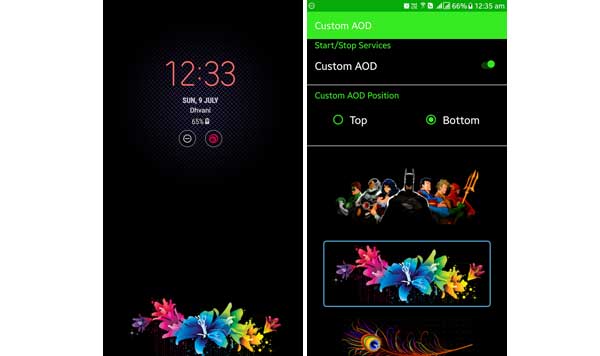
Custom AOD, the first third-party app to customize Samsung Galaxy’s AOD screen (Always On Display) now available on Play store. The app adds rich color image to top or bottom of the black AOD screen, which looks original and make the screen livelier. However, note that the app status is beta (unreleased) and unstable, however Samsung Galaxy S8 and Galaxy S7 owners can tryout the app now.

Read more
LG-G6-Rounded-corners-for-display

Galaxy S8 Style Rounded Display Corners on Any Android Phone: 4 Apps to Try

Along with features like Infinity display and Full Vision display, the recently launched Samsung Galaxy S8 and LG G6 have also features rounded display corners. The rounded displays corners give a new look to the smartphone. You can replicate the rounded display corners on any Android phone without affecting your screen real estate. There are 4 apps to try out now. If you are interested, look into them below.

Read more
Samsung-Galaxy-S8

Samsung Galaxy S8/S8+ in India Gets Red Tint Fix (How to Fix the Red Tint)

The red tint issue is disappointing many Galaxy S8/S8+ users, as it makes their beloved handset’s screen looks dull. Samsung has already rolled out a fix for the red tint issue in South Korea and Europe. The red tint fix is now available for Indian variant Galaxy S8/S8+ too. The update weighs 426Mb and features improved color optimization and convenient color management.

Read more
Samsung-Galaxy-S8

How to Swap Navigation Buttons on Samsung Galaxy S8/S8+

In Samsung Galaxy S8 and Galaxy S8+, the physical home button and accompanying capacitive keys are replaced with on-screen navigation button and a pressure sensitive home button built into the display. Also, the usual Samsung’s order of Recent, Home and Back keys have been changed to the one like Google Pixel, which will of course give a consistent experience while using multiple phones. However, it will make varying experience if you are coming from a Galaxy phone.

Read more
Samsung-Galaxy-S8

How to Hide/Unhide Navigation Bar in Galaxy S8/S8+ Without Root

In this tutorial, we let you know how to hide the onscreen navigation bar in Galaxy S8 and Galaxy S8+ without root. If you thought that the onscreen navigation bar is a waste of screen real estate, then you can easily hide/unhide your Galaxy S8/S8+’s navigation bar without root. However, note that it requires some technical expertise, as you need to execute few adb shell commands to achieve it. If you are interested, read on to know how it is.

Read more
Back To Top