
Skip to content
galaxy-s6-camera

Get Galaxy S6 Quick Launch Camera Feature on Older Galaxy Phones

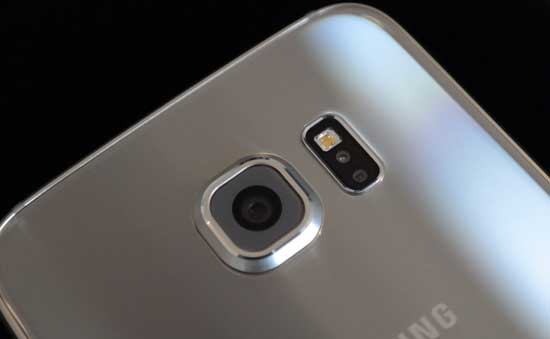
On Galaxy S6, you can quickly launch the camera by simply double tapping the home button, even when your phone is asleep. The camera will open in a secure mode if your Galaxy S6 is locked. This is a very useful feature for capturing something quickly. You can bring this feature to older Galaxy phones or any Android phone. No root access is required. Here is how it is.
Read more
galaxy s6

Enable Double Tap to Sleep Function in Galaxy S6 (No Root)

Popularized by LG and later by CyanogenMod (CM 12), double tap to sleep and double tap to wake is an awesome feature that allows you to put your phone to sleep by just double tapping on the display. You can do the same for wake up the phone. It means you do not need to pick up the phone and use the power button. You can add this feature to your Galaxy S6 (and any other phone).

Read more
galaxy s6

Get Back Disappeared Quick Settings Toggles in Galaxy S6 & S6 Edge

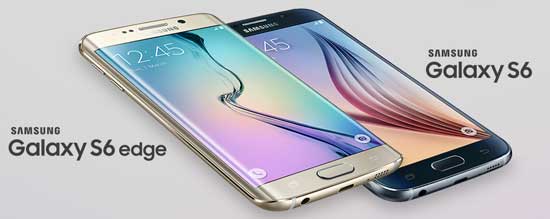
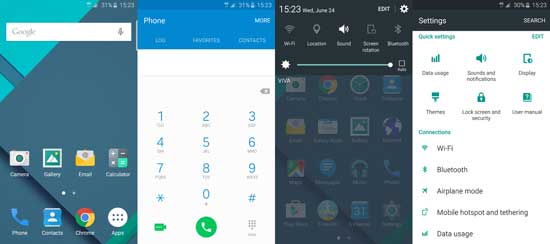
Samsung Galaxy S6 and S6 Edge is a faster and responsive phone, but one complaint among users about Galaxy S6 & S6 Edge is the missing quick setting toggles, such as mobile data, private mode, and mobile hotspot. These toggles are disappearing from Quick Setting panel without an obvious reason. Samsung has managed to fix this bug through a simple app called Quick Panel Restore.

Read more
galaxy s6

Download and Install Themes on Samsung Galaxy S6 and S6 Edge

A new feature of Samsung’s latest handset, the Galaxy S6 and S6 Edge is the theme manger, which lets you make your phone look how you want it. This is a great move from Samsung, because it is your phone, you should be able to make it look how you want. Depending on your taste and lifestyle, you can download various themes from Samsung theme store and install them on your Galaxy S6/S6 Edge.

Read more
Back To Top