Save Gmail Attachments To Google Drive From Any Browser Or Mobile Devices
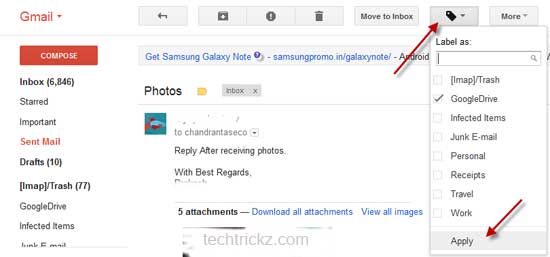
Last month I had posted an article here on ‘how to save Gmail attachments directly to Google Drive’, Google’s new cloud storage and sync service. It allows you to save all your Gmail attachments directly to Google Drive from the attachment list with a newly added ‘Save To Drive’ link option, however, it’ll work only with your Chrome browser. If you want to save your Gmail attachments to Google Drive from other browsers and mobile devices, here is how it is.