Skip to content
Click-to-Play-Opt-Out

Click to Play Option Lets You Make Plugins Optional in Websites and Speed up the Browsing (How to)

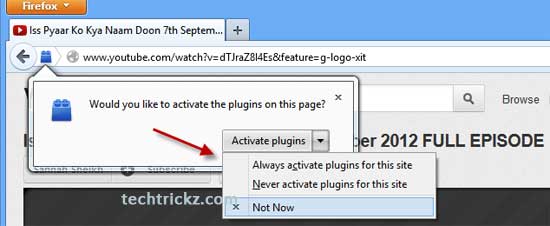
You can speed up your browsing in Chrome and Opera by making plugins in web pages optional. Called Click to Play, this feature is a great way to stop flash content playing automatically. Firefox has also this feature, but currently (Firefox 15) it has no direct option to enable it. However, advanced users can enable it from Firefox’s Preferences (see how it is here) settings. For common users, here is two add-ons to bring the same functionality by disabling plugins by default and letting you activate them with a click.

Read more
Back To Top