Free License for Ashampoo Photo Converter 3 – Fast, Flexible Image Conversion for Every Workflow
Managing thousands of images shouldn’t slow your creative process. Ashampoo Photo Converter 3 is built for speed, consistency, and automation — converting and optimizing large photo sets in minutes instead of hours. Ideal for hobbyists, content creators, and pro photographers, it combines a clean GUI with a powerful CLI so you can process images interactively or as part of automated pipelines.
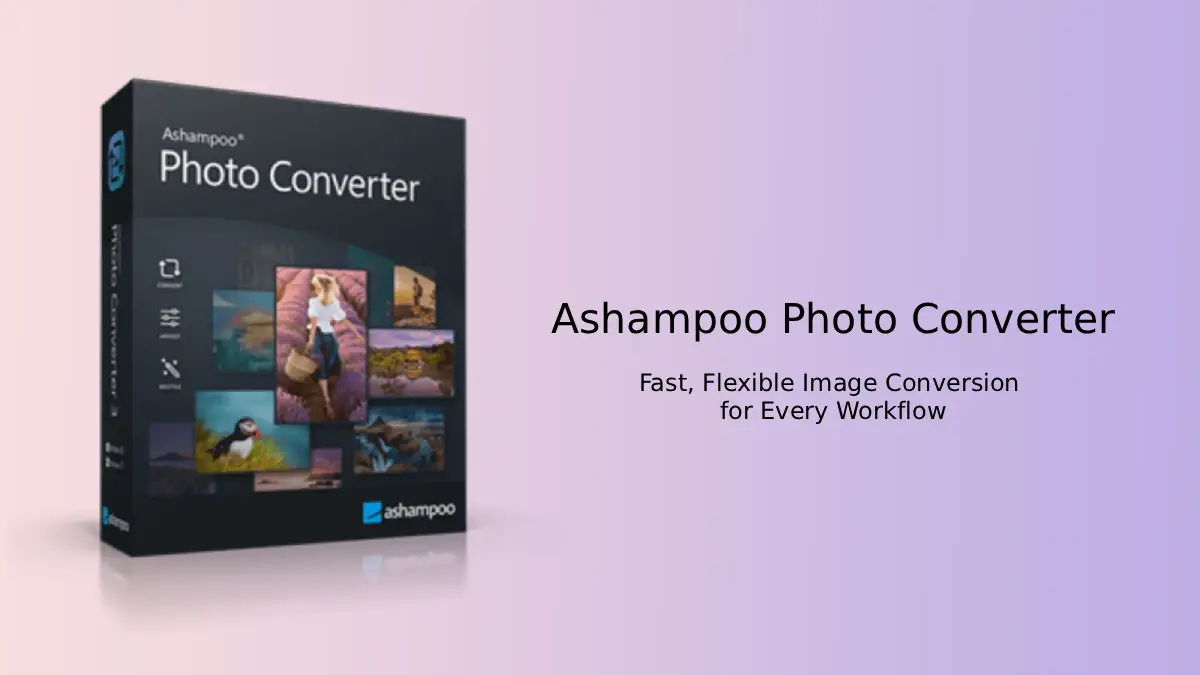
Table of Contents
Why it matters
Fast, consistent image conversion is essential when preparing client deliveries, web galleries, or print-ready assets. Inconsistent sizes, stripped metadata, or slow conversions introduce extra work and risk. Photo Converter 3 focuses on the core tasks that save time: bulk conversion, precise resizing, metadata preservation, and automation.
Key features that speed your workflow
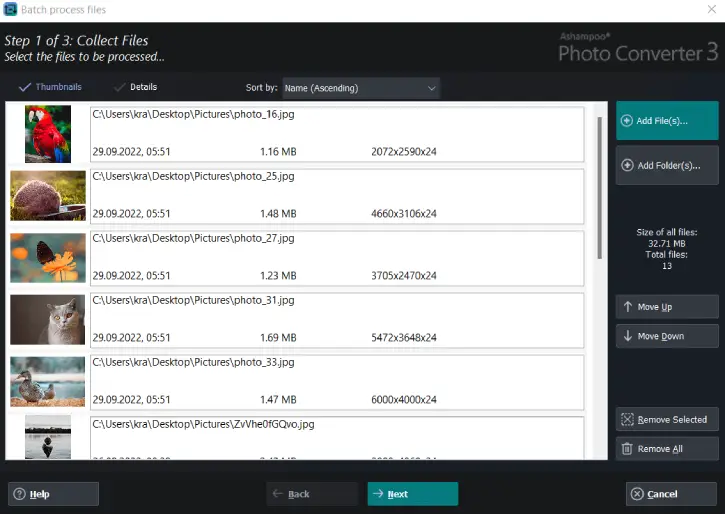
- Batch processing: Convert entire folders at once with drag-and-drop simplicity and animated progress indicators for clear feedback.
- Wide format support: JPG, PNG, HEIF, SVG, and RAW formats (Canon, Nikon, DNG) cover typical photo and web needs.
- Speed optimization: Up to 50% faster JPG/PNG processing reduces wait times for large jobs.
- DPI-based resizing: Resize by inches or DPI for consistent print output and client-ready files.
- Metadata preservation: Keep EXIF and XMP intact so camera settings and copyright info travel with the file.
- File management options: Preserve originals or delete them post-conversion to simplify storage.
- GUI + CLI: Friendly live-preview GUI for one-off tasks and a robust CLI for scheduled server jobs and scripted automation.
Advanced capabilities for pros
- Command sets & automation: Save batch profiles (*.apcbatch) and reuse exact workflows across teams or servers.
- 64-bit performance & high-DPI support: Native 64-bit builds use memory efficiently and scale properly on modern displays.
- Effects & optimization: Apply brightness, contrast, saturation, color-depth adjustments, and effects (sepia, black & white, oil painting, sketch, relief, sharpening) across entire batches.
- Watermarking & aspect control: Add positionable watermarks, force aspect ratios, and apply frames during conversion to brand and protect assets.
Typical workflows
- Rapid client previews: Convert client RAW files to JPG for fast review and approval.
- Web gallery prep: Batch-resize and compress entire collections while preserving EXIF for SEO and archival.
- Overnight automation: Schedule CLI-based conversions on a server to process uploads and generate web-ready derivatives.
- Marketing production: Apply consistent filters and watermarks to campaign assets before distribution.
How to get a free lifetime license for Ashampoo Photo Converter 3
1. Visit the giveaway page (giveaway link 1, and link 2).
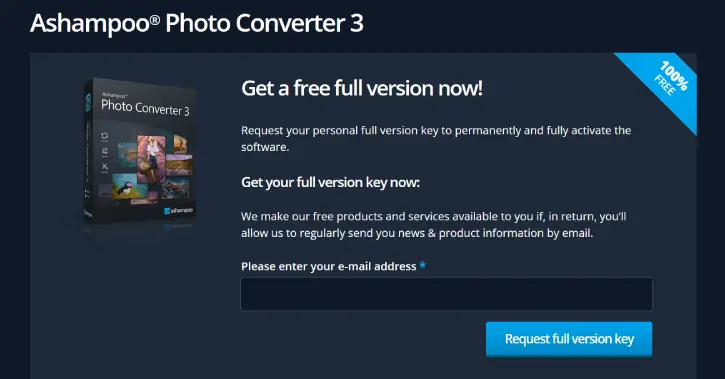
2. Enter your email and submit to receive the license key.
3. Download Ashampoo Photo Converter 3 (link), install it on your Windows PC, and activate during setup with the provided key.
Note: This giveaway provides a lifetime license for Photo Converter 3 but does not include upgrade or official giveaway-support options.
Quick setup tips
- Create a reusable batch profile: set output format, size/DPI, compression, metadata rules, and watermark once; save as a command set.
- Use CLI for automation: schedule nightly jobs for large imports and archive originals automatically.
- Keep originals: enable “preserve originals” until your workflow is validated, then enable automatic cleanup once confident.
- Pricing & limitations
- The giveaway version is a free lifetime license for Photo Converter 3. It’s a focused tool (not a full editor), and this giveaway copy typically doesn’t include upgrade rights or official giveaway support.
Conclusion
Ashampoo Photo Converter 3 sits between one-off converters and heavyweight editors: fast, consistent, and automatable. If your daily work involves converting, resizing, watermarking, or batch-optimizing large image sets, it can cut hours from routine tasks and make delivery predictable and repeatable.

Related Posts