
Skip to content

How to enable Presentation Mode in Windows 7 desktop PC?

Windows 7 Presentation Mode is available in Laptops only; it is disabled in Desktop PCs by default. However, a slight alteration in the registry will bring this mode in Desktop PCs also.

What is Presentation Mode? This mode lets users easily turn on their laptop & projector screen at the same time by simply pressing the key Win + P (some other features also).
Read more

Enable Extended Disk Cleanup in Windows 7[How to]

Many people still rely on Windows built-in Disk Cleanup tool for cleaning unnecessary items from their hard disk. Of course it is enough for some aspect of the system, but third party tools like CCleaner required for advanced cleaning job.

There is good news for Windows 7 users who hate third party tools. They can extend the functionality of default Disk Cleanup tool with a command.

Read more

How to open email attachments blocked by Outlook 2010?

To protect its users from malware and other dangerous codes Outlook’s built-in system blocks some email attachments by thinking it as unsafe to open.

OK that is best for your security. But unfortunately Outlook’s built-in system is not as intelligent as we think. It often blocks genuine attachments too. Once blocked, you can not unblock it again.

Read more

How to enable Private Browsing mode in Opera

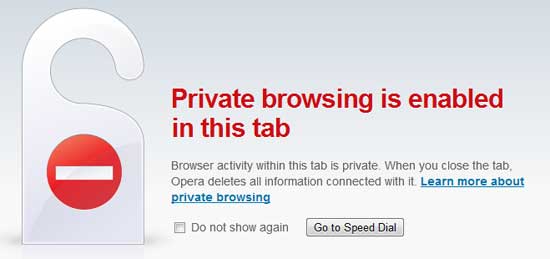
Private browsing mode is a new feature you can find on all current web browsers. In this mode your browsing activity will not be stored on your computer.

But Opera (10.5) has a new private browsing feature that the other browsers currently missing. In Opera you can open a site in private browsing mode in a new tab while you are in normal browsing mode.Opera-Private-browsing

Read more
Back To Top