Skip to content
Xiaomi-Redmi-Note-7

How to Enable App Notification Icon Beside the Notch on Xiaomi Phone (No Root)

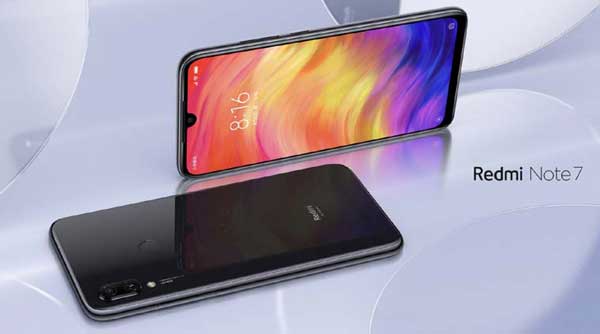
In this guide, we let you know how to enable app notification icon beside the Notch on Xiaomi smartphone without root. It will work on Xiaomi Mi 9, Mi 8, Redmi Note 7, Redmi Note 6, Poco F1, etc. with a notch display. Once enabled, it will display apps notification icons next to the Notch until you view the notification. What is more, it does not require root on the phone.

Read more
Huawei-P30-Pro tips and guide

How to Hide Navigation Bar & Dewdrop Notch on Huawei P30 and P30 Pro

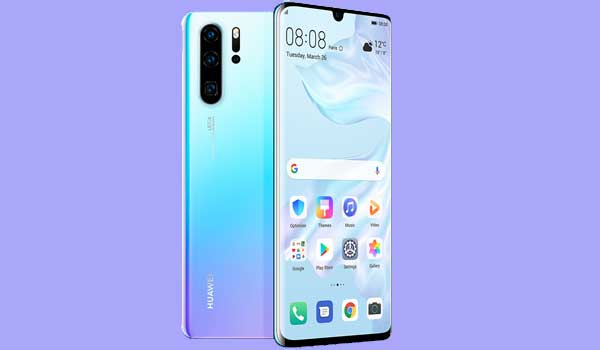
Huawei P30 and P30 Pro come with traditional navigation bar with three keys on it. You can hide the navigation bar and enable the new gesture navigation on the phone. Similarly, you can hide the dewdrop notch with a black notification bar at the top of the display, if you do not like the notch. Here is how to hide navigation bar and dewdrop notch on Huawei P30 and P30 Pro.

Read more
galaxy s7 edge

Download & Install Samsung One UI Port on Galaxy S7 and S7 Edge

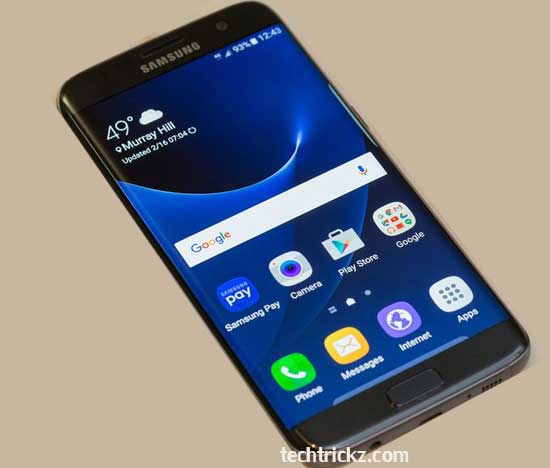
Samsung One UI firmware for Galaxy S7 and S7 Edge is available, unofficially though. Ported from recently released Galaxy Note 7 FE’s One UI firmware, it will bring Samsung’s new UI and features to both phones. Samsung’s version of Android 9 Pie is called One UI, so Exynos variant Galaxy S7 and S7 Edge users can enjoy Android 9 goodies as well.

Read more
Android-Q-beta-for-Google-devices

How to Record Screen on Android Q (Enable Screen Recorder)

Screen Recorder is one of the many new features of Android Q Beta 1. Though basic in features, you can record anything that happens on your phone’s screen. The Screen Recorder function is hidden inside the Developer Options menu under the “Feature flags” on Android Q. Here is how to enable it and record screen.

Read more
Back To Top