Watch YouTube Premium for Free on Android — How to Use Morphe to Patch YouTube APK
One of the best-known apps for watching YouTube Premium for free on Android was Revanced YouTube. However, several developers and contributors from the project have left and released the Morphe app. Morphe allows you to watch both YouTube and YouTube Music without ads.
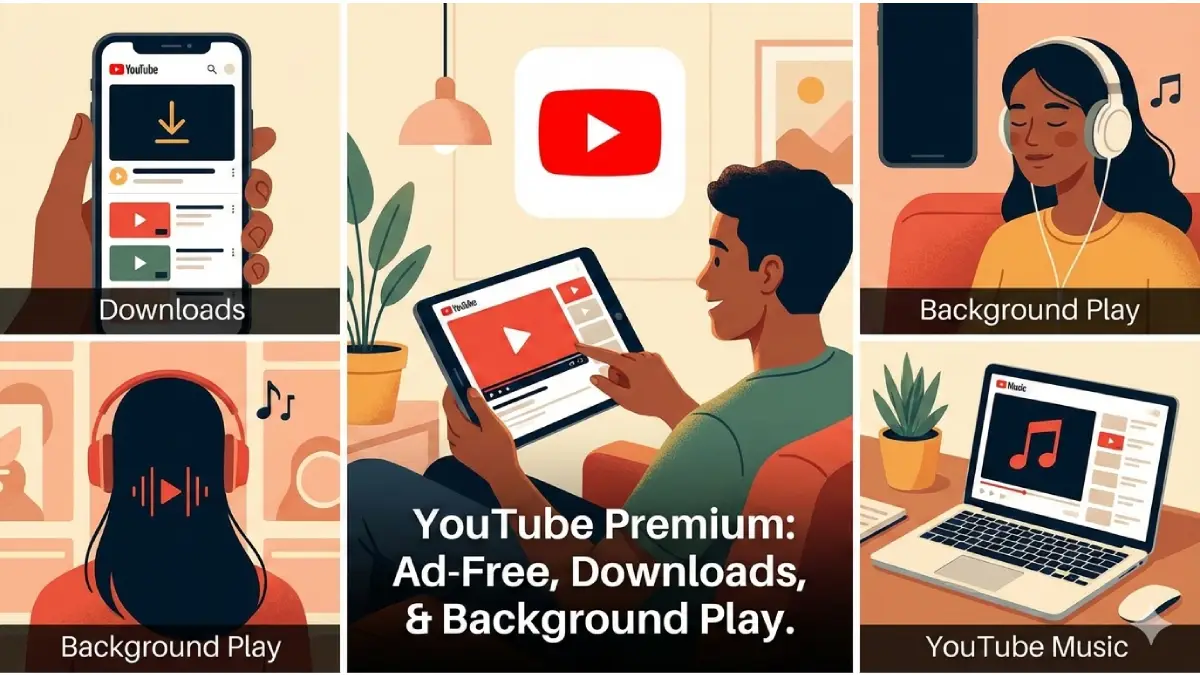
Morphe is an open-source Android app that patches the official YouTube or YouTube Music APK to unlock premium-like features without a subscription. Built by contributors from the Revanced community, Morphe removes ads, disables Shorts, shows dislike counts, and adds useful extras like SponsorBlock—making your YouTube experience closer to Premium at no cost.
Key Features
- Ad blocking: Removes video and banner ads.
- SponsorBlock integration: Automatically skip sponsored segments inside videos.
- Show dislikes: Restore visible dislike counts.
- Hide Shorts: Remove Shorts from feeds and recommendations.
- YouTube Music patching: Apply similar enhancements to YouTube Music.
- Customizable: Many options available under Settings > Morphe in the patched app.
Table of Contents
Is Morphe Safe and Legal?
Morphe is open-source and community-developed, but it modifies Google’s APK and requires installation of microG for signing in. That means:
- It’s not an official Google product.
- Using patched APKs may violate YouTube’s Terms of Service.
- Always download APKs from trusted sources (developer page or official GitHub) to minimize risk.
- Proceed at your own discretion and understand potential account or security implications.
ALSO READ: How to Watch YouTube Videos Without Ads Using Perplexity Comet Browser
Step-by-step: How to Patch YouTube with Morphe
1. Download the latest Morphe APK from the developer’s official page or the project’s GitHub repository.
2. Install the app on your device (Allow installation from unknown sources if prompted).
3. Launch Morphe, select whether you want to patch YouTube or YouTube Music.
4. Next, download the original, unmodified YouTube APK (version 20.37.48 or newer). Morphe will link to the appropriate APKMirror page.
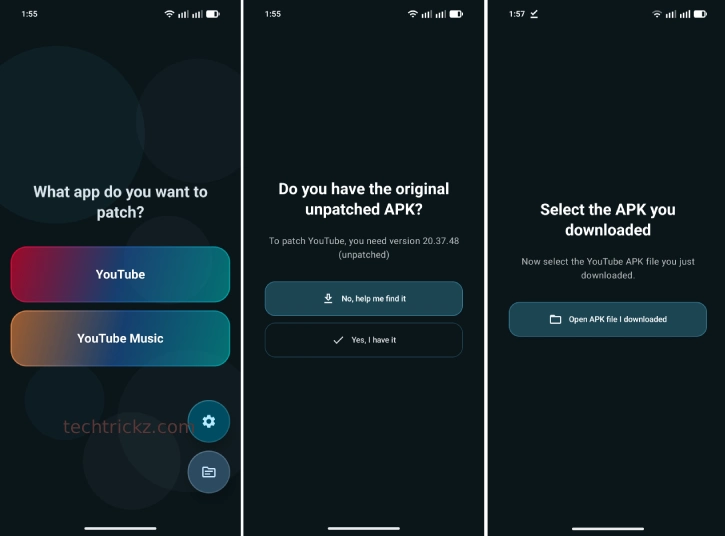
5. After the YouTube APK finishes downloading, return to Morphe and select that downloaded file.
6. Let Morphe patch the APK; when it’s ready, follow the prompt to install the modified APK.
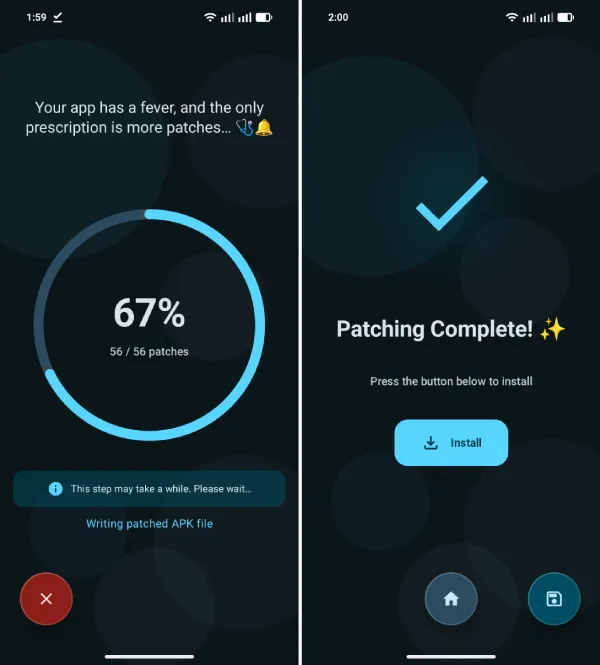
7. After installation, tap Open. On first launch you’ll be prompted to install microG—install it (You may need to give special permission to install microG).
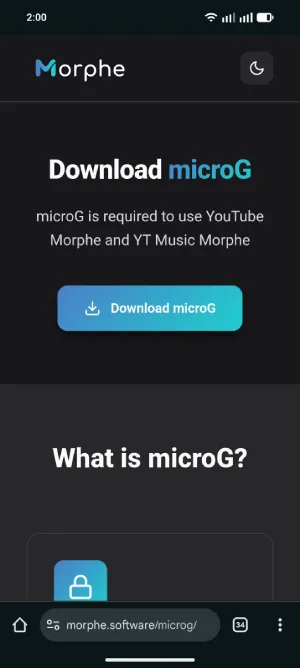
8. Open the patched YouTube app and sign in to your Google account via microG; the app will closely resemble the stock YouTube experience.
Customize Morphe features
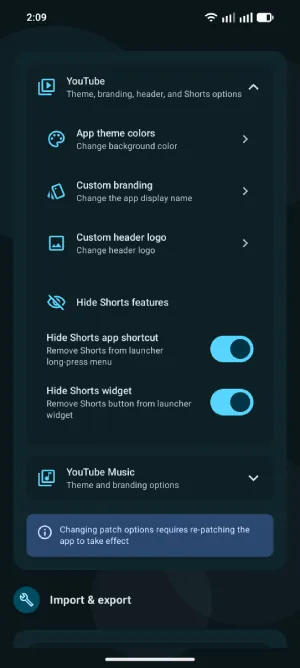
Open Settings > Morphe inside the patched app to enable or tweak ad blocking, SponsorBlock, dislikes, Shorts hiding, and other preferences.
Tips and Best Practices
- Keep original APKs unmodified: Only use the unmodified official APK as the base for patching.
- Use latest compatible versions: Morphe links to compatible YouTube APK versions; use version 20.37.48 or newer.
- Rename the patched app (optional): Morphe installs a distinct icon—rename it if you prefer a different label.
- Source verification: Download Morphe and APKs from official project pages or reputable mirrors to avoid tampered files.
FAQ
Will Morphe give me official YouTube Premium features?
It enables many Premium-like features (ad blocking, background play, etc.) by patching the APK, but it’s not official Google Premium.
Do I need microG?
Yes—microG is required to sign in to a Google account within the patched app for customized experiance.
Will the patched app replace my official YouTube?
No—Morphe installs the patched app alongside the stock app with a separate icon.
Conclusion
As of this writing, Morphe works well on my device, but its future is uncertain. Google may target apps offering Premium features for free, though it has left Revanced alone. As a Premium subscriber, I still value Morphe for unique features YouTube lacks. Download the app and see details on Morphe’s website.

Related Posts