The Autodesk AutoCAD design tool is a high-priced application, so it may not be the best choice for personal or home use. The question here is: “Is there a free alternative that can be used privately at home?” The answer is yes! nanoCAD v.5, a free alternative to AutoCAD, offers a familiar interface with native DWG support at no cost.
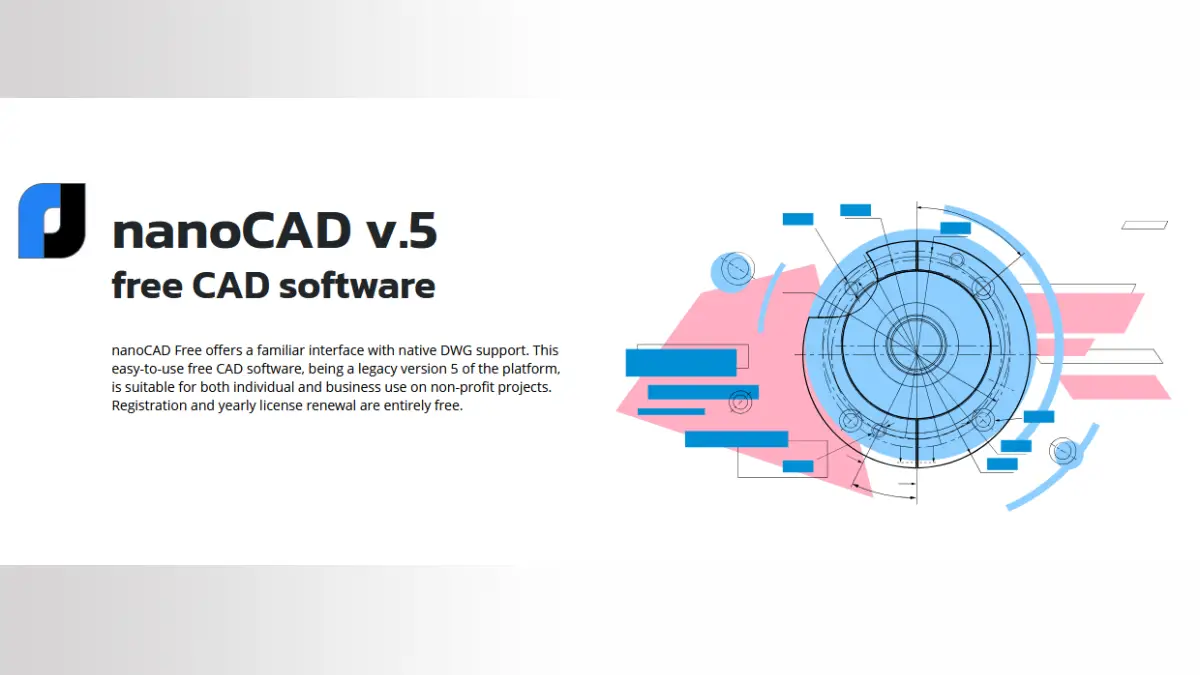
The nanoCAD v.5 is the complete release of an earlier version of professional software that is user-friendly for those familiar with AutoCAD and includes all the essential tools you need. To access a free 12-month license, you will need to sign up for a free account, which can be renewed at no cost after a year.
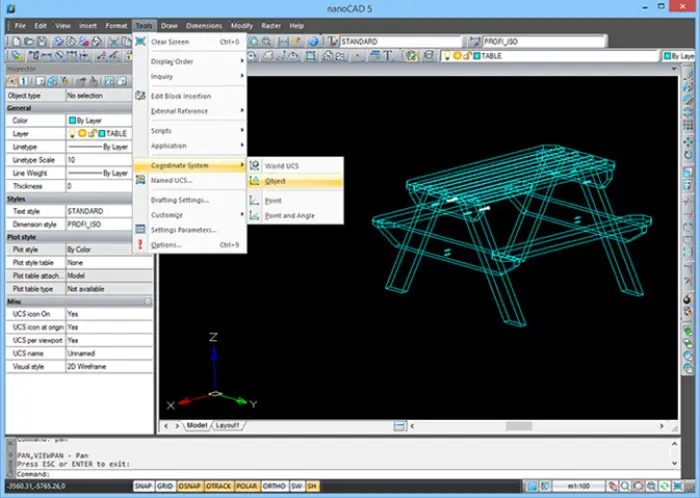
Any CAD user can quickly become familiar with nanoCAD Free, as its interface is intuitively organized. The menu, button icons, panels, and command line are all well-structured, and the commands are easily identifiable. This user-friendly design facilitates a smooth transition, allowing enterprises to minimize retraining time for their engineers.
Features of NanoCAD v.5: The Free Alternative to AutoCAD
- NanoCAD v.5 includes all the essential tools for creating and editing 2D and 3D objects, texts, and tables.
- Reusable blocks and references to external drawings streamline and accelerate the drawing process.
- Advanced dimensioning features allow for the creation of various types of dimensions through multiple methods.
- The native file format for nanoCAD Free is DWG, which is the most widely used format for technical documentation.
- Projects created and saved as *.dwg files can be easily opened and edited in any CAD application that supports the *.dwg format.
- nanoCAD Free features a traditional CAD application programming interface (API) that enables the development of independent nanoCAD-based applications and additional automation modules.
Download nanoCAD v.5: Download from developer website
System requirements
- Operating System: Windows 10, 8, and Windows 7 (32-bit)
- Processor: Intel Pentium 4 or AMD Athlon, or higher
- RAM: 2 GB is recommended for larger projects
- Graphics: Video adapter with OpenGL or DirectX-compatible hardware for 3D acceleration
- Required Resolution: 1024×768; Recommended Resolution: 1280×1024 or higher
- Hard Disk Space: 300 MB is required for full program installation; 1-3 GB is needed for operation, depending on project complexity
Final Thought:
While nanoCAD v.5 is a solid alternative to AutoCAD and is available for free for a lifetime, it does not support Windows 11. I could not find a 64-bit version for download on their website. However, it is expected to function effectively on earlier versions of Windows and requires minimal hardware for smooth operation.