Skip to content
Gmail-attachments-to-SkyDrive

How to Save Gmail Attachments Directly to Microsoft’s SkyDrive

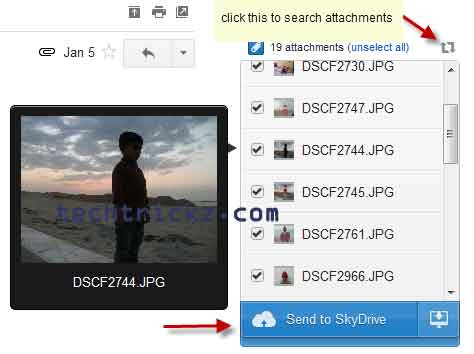
Few months back, I had posted a simple tutorial about ‘how to save Gmail attachments directly to your Google Drive cloud storage service’. However, if you are a Microsoft’s SkyDrive fan and would like to save all your Gmail attachments directly (and automatically) to your SkyDrive (Microsoft’s cloud storage and sync service), here is how it is with a small browser extension Attachments.me.
Read more
SkyDrive-For-Android

Microsoft has Released Android App for SkyDrive

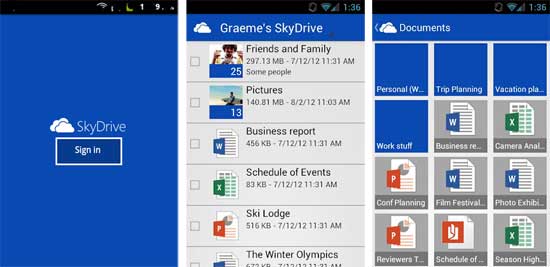
Microsoft’s SkyDrive is one of the best online storage alternatives, but the absence of an Android app was a disappointment for Android users. However, now Microsoft has answered to this by releasing an Android app for SkyDrive. The features of Android version are more or less same that the iOS and Windows Phone versions offers.

Read more
Dropbox-Status

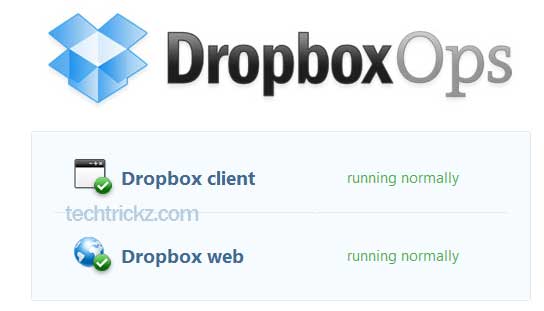
Check The Uptime Status Of Dropbox, Google Drive, SkyDrive, iCloud And Box

It seems that in the future people will largely be working with online, cloud-based tools and the importance of cloud storage services will spring up accordingly. Cloud storages services such as SkyDrive, Google Drive, Dropbox, iCloud, Box and other services are all competing to store your files and sync them across computers and mobile devices. Well, do you know how to check the uptime status of your cloud storage service?

Read more

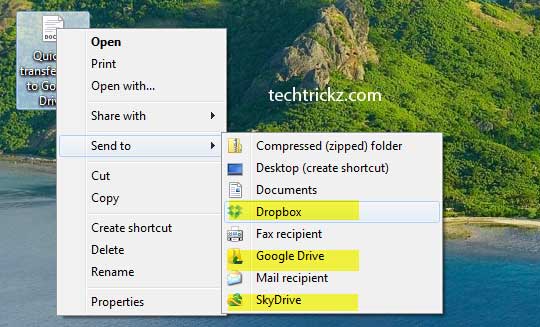
Automate Data Encryption In Google Drive, Dropbox And SkyDrive

The obvious benefit to backing up your files to the cloud is that you are able to access your files from anywhere on any internet connected device, but at the same time you don’t want to worry about data security. Of course, cloud storage services will store your data securely, but if you encrypt your personal files before backing them up to cloud, you can ensure a much better security.

Read more
My-Computer

Assign Drive Letter To Dropbox, Google Drive And SkyDrive In Windows

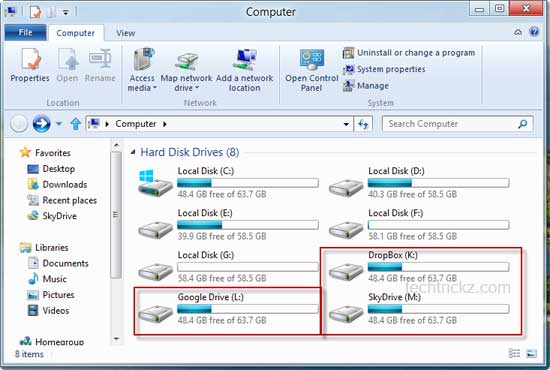
Are you looking for an alternate solution for easily assign a drive letter to any of your cloud storage service (for example, Dropbox, Google Drive, and SkyDrive) in your Windows PC? By assigning drive letter, you can conveniently access the drive from Windows Explorer or My Computer. An added benefit is that all computers in your network or Home group can also use that drive remotely. Here is how it is with a free application called Visual Subst.

Read more
Back To Top