Skip to content
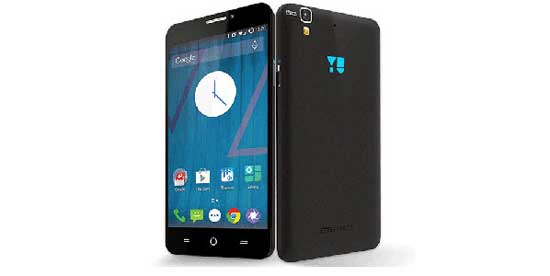
Micromax Yu Yureka

How to Fix Battery Drain and Heat Issues on Yu Yureka

After updating Micromax Yu Yureka to the Cyanogen OS 12 (Android 5.0.2 Lollipop), many users have complaints that their phone eats up more battery and produce more heat. To fix these bugs, Cyanogen team has released a new update that you can install manually. If your Yu Yureka suffer from such an issue, read on to know how to fix it.

Read more
Micromax Yu Yureka

Reinstall Stock Firmware on Micromax Yu Yureka

There are various reasons for you to reinstall stock firmware on your Micromax Yu Yureka. For example, if you ran into problems like bootloop when tweaking your phone after rooting it, or after using few custom ROMs and you feel nostalgic about the stock firmware and its features, etc. Whatever the reasons will be, you can easily reinstall official firmware on Micromax Yu Yureka.

Read more

Micromax Canvas 4’s Blow to Unlock Feature for any Android Phone

The Indian mobile phone manufacturer Micromax has introduced a new unlock feature called “Blow to Unlock” to its recently unveiled Android smartphone Canvas 4. You can unlock the phone by just blowing air on the screen. If you wish to have this impressive unlock feature to your Android phone, an XDA forum member ported it to work on other devices running Android 4.0 and later.

Read more
Micromax-Android-Phone

Download and Install Micromax USB Driver For Windows (How to Guide)

If you want to connect your Android Phone to your PC, the first thing you might need is the USB driver for your phone. However, as there are several brands available on the market, finding correct USB driver for some brands such as Micromax, Lava, Huawei, etc. isn’t always easy. Here is an easy method to download USB driver for your Micromax Android phone and tablet.

Read more
Back To Top