Skip to content
how-to-get-3g-internet-speed-on-android

Get Better 3G Internet Speed on Your Android Phone (How to)

The 3G internet speed on your Android phone varies with networks and phone models. Poor signal strength, signal congestion and device model will also contribute to poor 3G connection speed. If you have root access and your cellular network supports Van Jacobson style TCP/IP header compression, you can double your 3G internet speed. Read on to know how it is.

Read more
LG-Nexus-4

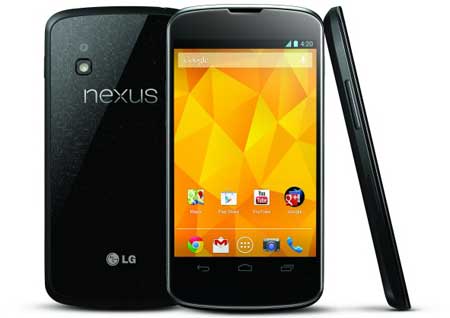
Enable LTE (4G Mode) on Google Nexus 4 With All in One LTE Enabler

The Google Nexus 4 is only officially a 3G model, although a 4G mode (LTE mode) can be unlocked via a hidden menu. However, it works on the 1700 and 2100MHz LTE bands only. If you are in a compatible region, there are several ways to enable LTE (4G mode) on your Nexus 4 phone. For instance, the “All in One LTE Enabler” by an XDA forum member bpear96 is one of them.

Read more

ClockworkMod Tether: Share Internet Connection From Android Device to Computer

Previously I had written a tutorial showing how to share internet connection from an Android device to a computer (tethering) using a free app called PDAnet. It enables you to go online via your computer using your phone’s 3G/WiFi/GPRS connection. ClockworkMod Tether is another simple to use app that lets you share your phone’s internet connection to computer using USB cable. It also does not require a rooted device or separate tethering plan.

Read more

Set Your Phone to Automatically Switch Silent Mode, Wi-Fi and Airplane Mode

Some functionalities of a mobile phone may not be required for all time, for example, Mobile internet (Wi-Fi/3G/GPRS), Silent mode, Airplane mode, GPS and Bluetooth, etc. Although, all these features can be enabled or disabled manually, most often people forget to do so and went into trouble. Here is how to automate such features in our Android phone with a little app called Connection Planner.

Read more

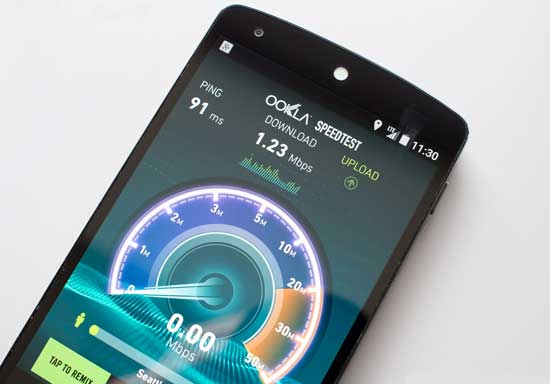
Test your 3G Connection Speed (How to)

Do you want to test your mobile 3G or Wi-Fi connection speed? For iPhone and Google Android devices, you can use a free app called Speedtest to measure the speed of a web connection using the first access point, which could be your Wi-Fi or 3G connection. For testing 3G connection, you should turn off the Wi-Fi.

Read more
Back To Top