Skip to content
moto-e-2nd-gen

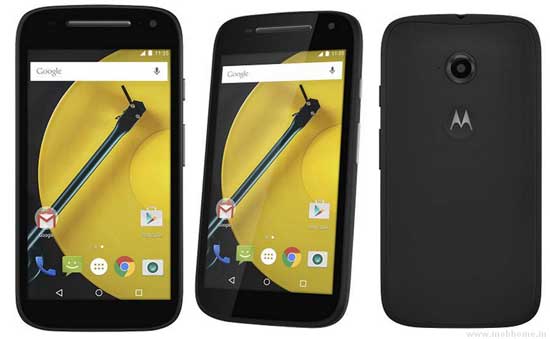
Install TWRP Recovery and Root Your Moto E 2015

In this tutorial, we show you how to install TWRP custom recovery and get root access on your 2nd generation Moto E 2015 edition. Custom recovery and root access on your Moto E 2015 are essential for installing custom ROMs like CyanogenMod, customizing with Xposed Framework or installing certain apps. However, you will lose manufacturer’s warranty.

Read more
oxygenOS

Install Official OxygenOS (Android 5.0.2) on OnePlus One (Installation Guide)

The OnePlus team has released OxygenOS for its OnePlus One smartphone. Based on the Android 5.0.2 Lollipop, the OxygenOS is developed by giving prime importance to performance and battery life over gimmicks and bloated features and at the same time, it keeps most of the original features in the OxygenOS, such as double-tap to wake, music controls, and shortcuts for the camera and flashlight.

Read more
moto-e-2nd-gen

Reinstall Stock Firmware on 2nd Generation Moto E (2015)

In this tutorial, we show you how to reinstall stock firmware on 2nd Generation Moto E (2015). If you have bricked your Moto E 2015 or if you want to return to stock firmware after installing a custom ROM, or whatever reasons your device needs stock firmware, read on to know how to restore your Moto E 2015 to stock Android 5.0.2 Lollipop firmware.

Read more
Back To Top