Skip to content
moto-e-2nd-gen

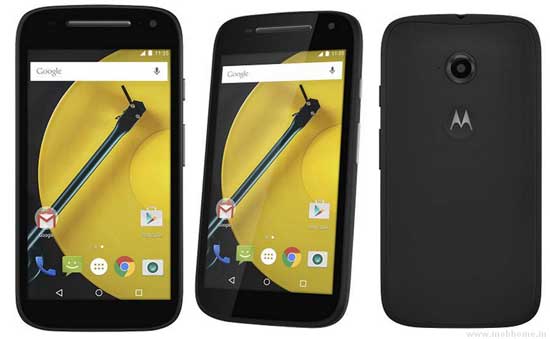
Install TWRP Recovery and Root Your Moto E 2015

In this tutorial, we show you how to install TWRP custom recovery and get root access on your 2nd generation Moto E 2015 edition. Custom recovery and root access on your Moto E 2015 are essential for installing custom ROMs like CyanogenMod, customizing with Xposed Framework or installing certain apps. However, you will lose manufacturer’s warranty.
Read more
softkeys-without-root-on-any-phone

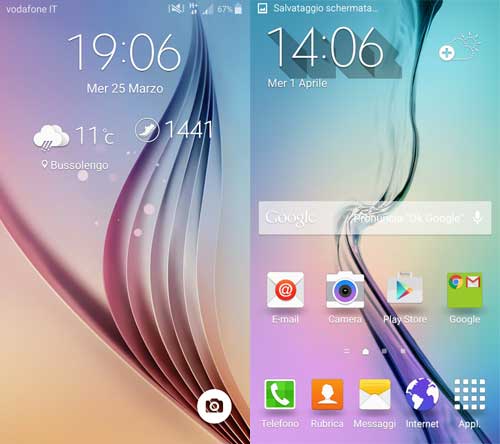
Get Softkeys (Onscreen Navigation Keys) on Any Phone Without Root

Softkeys or onscreen navigation keys, such as Home, Recent and Back, is a built-in feature of Android, but some manufacturers have disabled this feature on their phone as it does take up some screen real estate, but in reality, it doesn’t. If your phone does not have soft keys, but really like the functionality and want to enable them on your phone, then read on to know how to get it.

Read more
oxygenOS

Install Official OxygenOS (Android 5.0.2) on OnePlus One (Installation Guide)

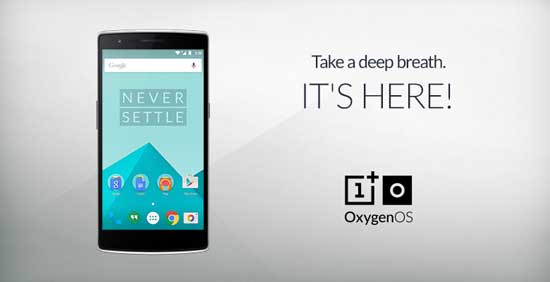
The OnePlus team has released OxygenOS for its OnePlus One smartphone. Based on the Android 5.0.2 Lollipop, the OxygenOS is developed by giving prime importance to performance and battery life over gimmicks and bloated features and at the same time, it keeps most of the original features in the OxygenOS, such as double-tap to wake, music controls, and shortcuts for the camera and flashlight.

Read more
Ambient-Display-on-nexus-5

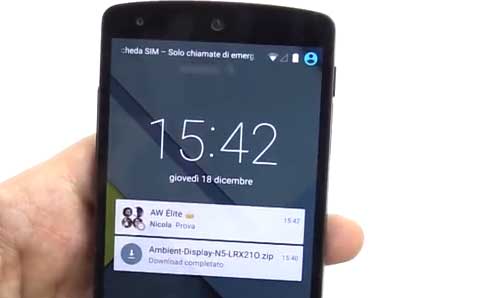
Get Nexus 6’s Ambient Display with Lift to Wake Function on Nexus 5

Nexus 6’s exclusive feature Ambient Display with lift to wake function can now be replicated on Nexus 5, so you can view and interact with your notifications quickly without needing to unlock the phone. Once you enabled the Ambient Display mode, your Nexus 5 shows notification along with clock on the lockscreen when notification arrives or when you picked up the phone.

Read more
Back To Top