Skip to content
galaxy s6

Enable Double Tap to Sleep Function in Galaxy S6 (No Root)

Popularized by LG and later by CyanogenMod (CM 12), double tap to sleep and double tap to wake is an awesome feature that allows you to put your phone to sleep by just double tapping on the display. You can do the same for wake up the phone. It means you do not need to pick up the phone and use the power button. You can add this feature to your Galaxy S6 (and any other phone).
Read more
galaxy s6

Get Back Disappeared Quick Settings Toggles in Galaxy S6 & S6 Edge

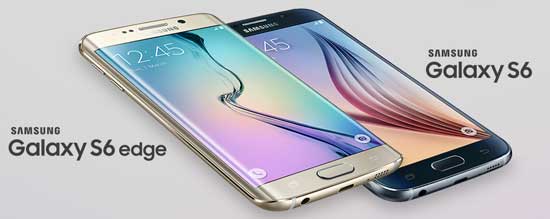
Samsung Galaxy S6 and S6 Edge is a faster and responsive phone, but one complaint among users about Galaxy S6 & S6 Edge is the missing quick setting toggles, such as mobile data, private mode, and mobile hotspot. These toggles are disappearing from Quick Setting panel without an obvious reason. Samsung has managed to fix this bug through a simple app called Quick Panel Restore.

Read more
lg-g4

Check Touch Responsiveness of Your LG G4

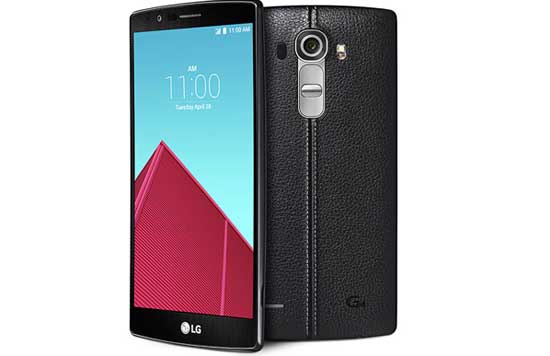
You have bought LG’s latest and greatest handset, the LG G4. Have you checked the touch responsiveness of your G4? Some users have complaints about touchscreen issues on their LG G4. They are experiencing non-responsive and non-sensitive touchscreen on their handset. Read on to know how to check touch responsiveness of your LG G4.

Read more
disable-heads-up-notification

Completely Disable Heads Up Notifications in Android Lollipop Without Root

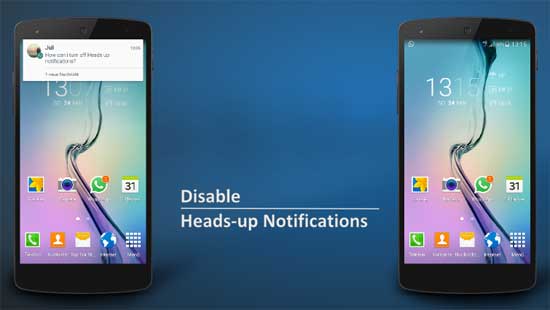
One of the new features of Android Lollipop is the Heads-up notifications, which are small floating windows that appear when you receive call, message or app alert. In theory they are useful because they let you respond or dismiss a notification without leaving the app you are in, but in real life they are too invasive and annoying, especially when you receive many messages, for example from WhatsApp.

Read more
Back To Top