Skip to content
oneplus-2

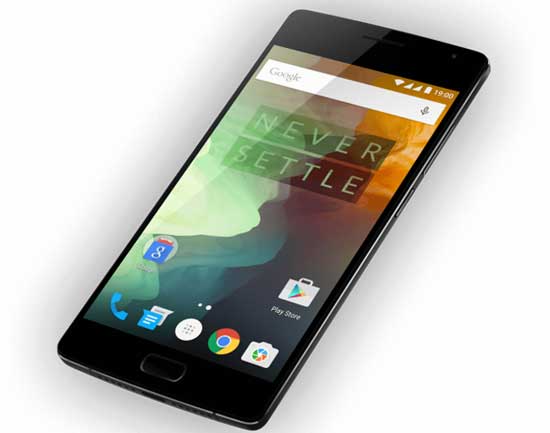
Manually Install OxygenOS 2.2.0 OTA Update on OnePlus 2

OnePlus team has released OxygenOS 2.2.0 update for OnePlus 2 with new features, bug fixes, security patches and optimizations. As the OTA update is rolled out in phases, it will take few days to get the OxygenOS 2.2.0 OTA update notification on your OnePlus 2. If you do not want to wait for the OTA, you can install the update manually.

Read more
lg-g3-beat

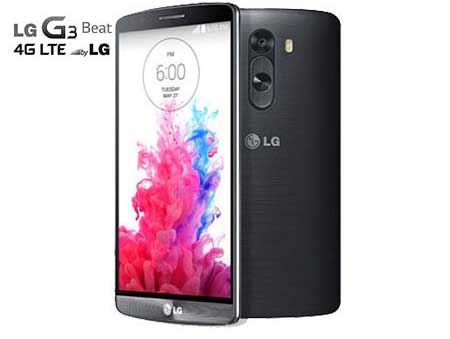
Update LG G3 Beat to Android 6.0 Marshmallow via CM13 ROM (Guide)

Chances for getting official Android Marshmallow update for LG G3 Beat is nil, but you can upgrade the device to Android 6.0 Marshmallow via CyanogenMod 13 ROM (CM13). The LG G3 Beat is a low spec variant of flagship LG G3 and runs on the Android Lollipop. However if you want to update your phone to the new Android 6, the best decision would be flashing official CM13 custom ROM on it.

Read more
android-6-marshmallow

Make File Transfers Your Default Option on Android 6.0 Marshmallow (How to)

You might have noticed that when you connect your new Nexus 5X or Nexus 6P to your PC via USB-C cable, it will default to ‘Charging’ mode (both phones have USB-C ports instead of micro USB). To access files from your PC or transfer files to your phone, you need to pull down the notification shade, tap ‘USB for Charging’ and then tap on ‘File transfers’ option. You have to repeat this step every time you connect your phone to your computer.

Read more
Back To Top