Facebook Keeps All Your Search Histories, How to Delete it

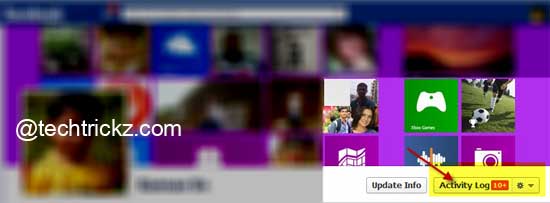
Facebook-Activity-Log

Facebook will keep a record of your all-time (from today back to when you first started using the service) Facebook activities such what you have searched, comments you have made, photos and posts you have liked, your recent chat record and more, so that you can review all that at a later time. However, if [...]

Enable Do Not Track Privacy Feature in Google Chrome

Chrome-Logo

Finally, Google has also implemented the Do Not Track privacy feature to its browser Chrome. Like the other major browsers such as Internet Explorer, Firefox, Opera and Safari, the latest stable build of Chrome 23 has also lets you opt out of being tracked by websites. Do Not Track (DNT) is a technology and policy [...]

Automatically Open Desired Sites Always in Private Mode in Opera

Opera-11

If you want to browse privately, or in other words if you want to delete all your browsing activities automatically once you close the browser, you can use Private browsing mode of your browser. In Opera, you can switch to private mode and back to normal mode by using the shortcut key Ctrl + Shift [...]

KeepSafe Lets You Hide Pictures And Videos On Android And iOS

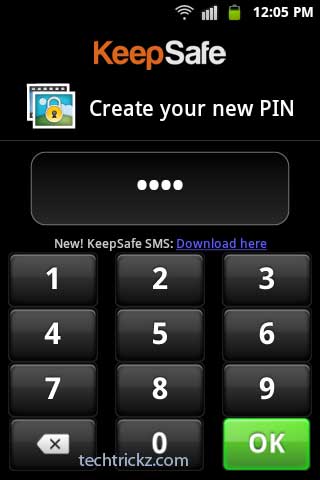
KeepSafe

I had written several articles in previous posts on how to hide personal data on both smartphone and computer. Here is another simple solution to hide your personal photos and videos from strangers on your Android and iOS devices. The application called KeepSafe for Android and iOS lets you protect images and videos with a [...]

Thunderbird Gets Do Not Track Privacy Function – Stops Tracking You Via Email

thunderbird

The popular email client Thunderbird gets Do Not Track privacy function – a privacy feature available on all major browsers to enable users to opt out of being tracked on websites. Mozilla has already implanted Do Not Track in the latest nightly build of Thunderbird 15, which enables users to set their email client to [...]

Password Protect and Sync Private Bookmarks (Chrome Extension)

Lockmyfav-chrome-extension

Chrome users who are really privacy conscious and want to apply some password to their private bookmarks and favorites can try LockMyFavs extension with Chrome. This extension can protect user’s private bookmarks from unauthorized persons. Moreover, as it saves bookmarks in the cloud, users can access them everywhere on any computer.