Microsoft Office 2013 Customer Preview Offline Installer

New-Office-2013

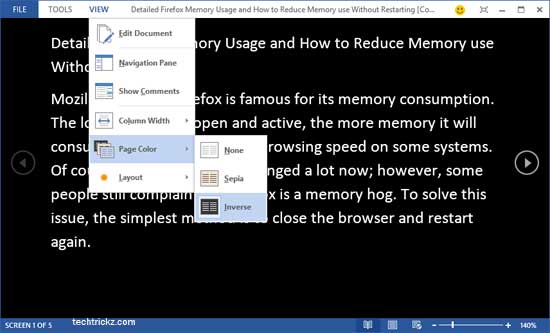
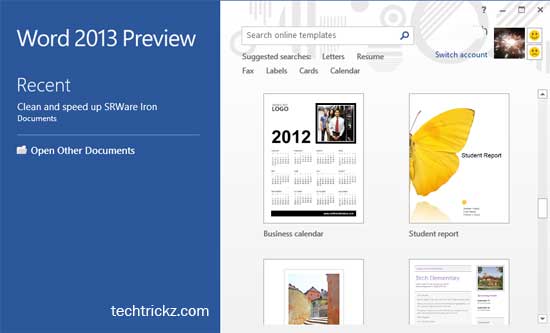
Microsoft just released a customer preview version of its flag shipped product Microsoft Office 2013 (also known as Microsoft Office 365 and codenamed Office 15) with several outstanding features. It has a revamped Metro interface and supports both touch screen devices and traditional desktops. However, it supports only Windows 8 and Windows 7 operating systems.

Google Introduces Intelligent Spell Checking in Google Docs

Google-docs

Google introduced an intelligent spell checking in Google Docs and Presentations. Instead of relying on a fixed dictionary, now it makes contextual text suggestions from the web – just like Google search engine spell checker do. This new update has following advantages over traditional spell checkers.

DocTranslator: Instantly Translate and Preserve the Layout of Office Docs and PDFs

Doc-Translator

DocTranslator is an online service that lets you easily translate any Office document (Word, Excel, PowerPoint, Open Office, etc) and PDF files into any language and what is interesting is, it maintains the original layout of your document. The service is completely free and no file size limits on the documents you translate.

Box for Office: Open, Edit and Share Files Stored on Box Directly From Word, Excel, and PowerPoint

Box-for-Office

As you might know, Box.net is a user-friendly cloud storage service that allows you to store, sync and share your contents securely over online. You get 5GB of free memory accessible from anywhere in the world on any system and devices. Its developer has released an add-on for Microsoft Office 2007 and 2010 called Box [...]

Microsoft Office Plugin Google Cloud Connect Now Available to All

Google-cloud-connect

Google has announced the availability of Google Cloud Connect to everyone. It is a free plug-in for Microsoft Office 2003, 2007, and 2010 with that you can share and edit your Word, PowerPoint, and Excel documents simultaneously with other people remotely.

Shortcut Key to Hide and Unhide Ribbon Menu in Office 2007 and 2010

Without-ribbon

The all-new Ribbon interface of Office 2007 and 2010 is very attractive, easy to handle and helps to makes your work faster. But one shortcoming of it is that it occupies large space on your screen than a normal menu.